Kodify, now rebranded as TradingCode, teaches Pine Script through tutorials. But learning syntax and getting a trading-ready tool are different things. Pineify is a TradingView Pine Script platform that fills that gap: it gives you ready-to-deploy premium scripts, AI code generation, and a visual strategy builder — no manual coding required. In my opinion, that makes it the strongest Kodify alternative for traders who want results today, not just lessons.
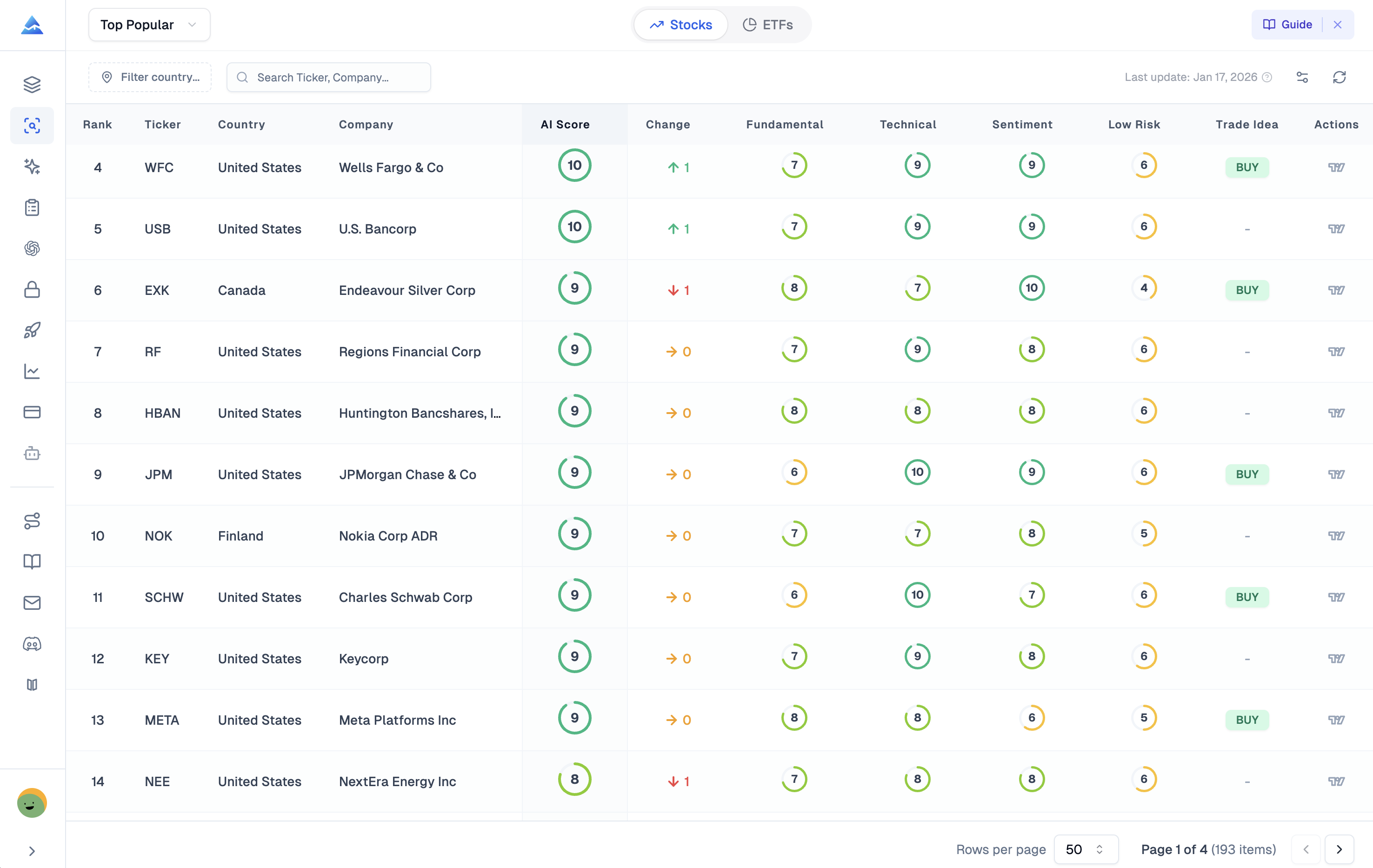
Pineify brings together a Visual Editor to build strategies without code, an AI Coding Agent that generates and fixes Pine Script instantly, and a curated Premium Scripts Collection with full source code from professional-grade indicators. On top of that, you get an AI Stock Picker with daily predictive scores, a Finance AI Agent for real-time research, and a Strategy Optimizer that fine-tunes TradingView backtests. I have been using the optimizer on AAPL daily data, and it cut my parameter testing from hours to about three minutes.