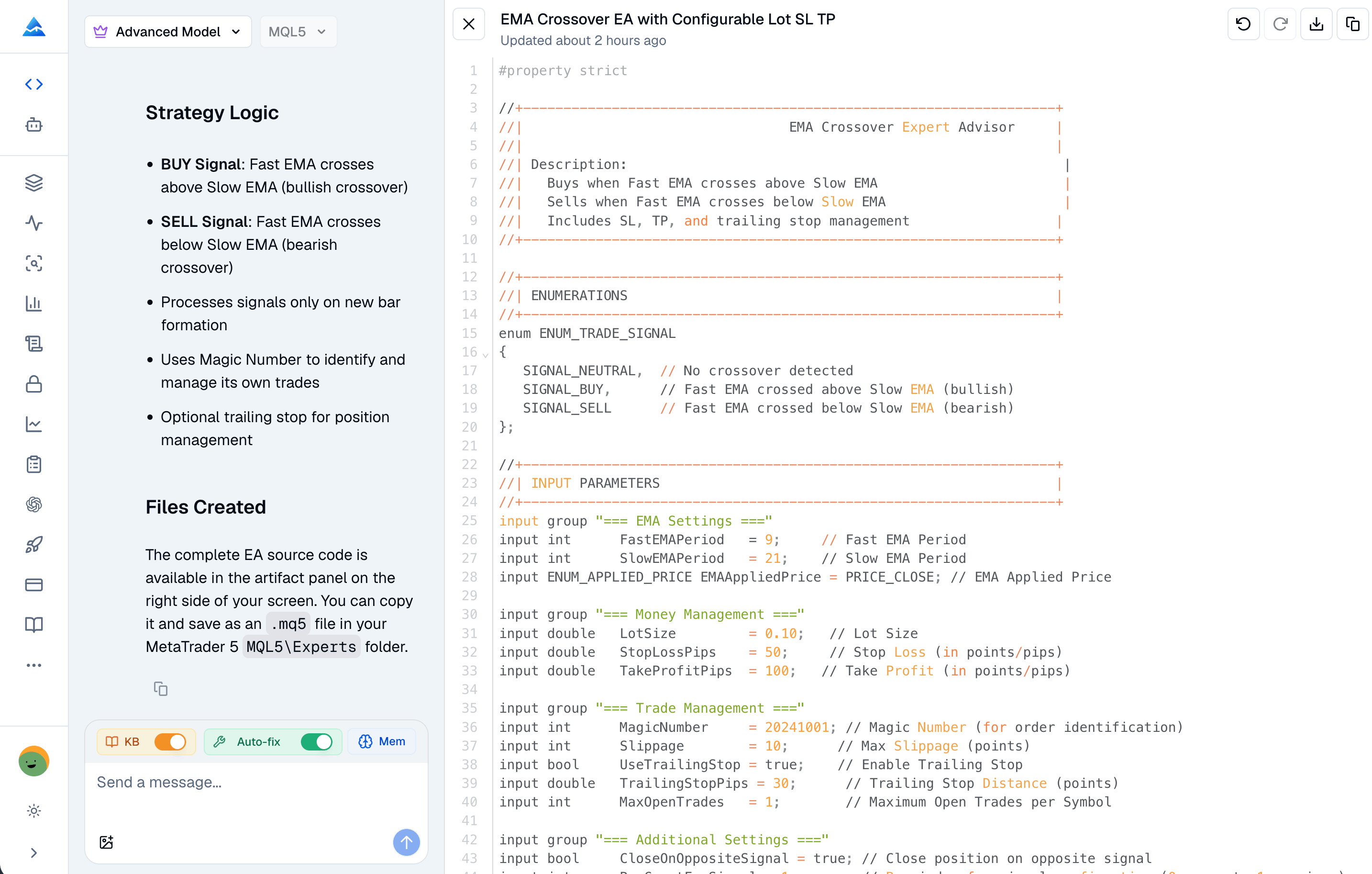
Best MT5 indicators are the technical tools on MetaTrader 5 that convert raw price data into chart-based signals for trend, momentum, and volatility analysis. If you've ever stared at a chart full of squiggly lines wondering which ones actually move your P&L, you're not alone. I've been there too, and I've spent years filtering out which MT5 indicators deserve screen space and which are just noise.
I used to bounce between a free screener, a broker options tab, and a charting tab just to answer one question: is this name actually worth my attention today? The workflow felt fragmented, and I was always one tab short when earnings, dividends, or sentiment mattered. When I moved that routine into Pineify's AI Stock Picker, the difference was less about hype and more about having a single place where scores, chains, and filings line up on the same ticker.
I used to think my memory was enough. After a streak of wins, I would swear I knew what I was doing; after a drawdown, I would rewrite the story until it felt sensible. The turning point was simple: I started treating trading like a profession that produces data. A trading journal is a system for logging executions, attaching context, and reviewing decisions with evidence. Since March 2025, I've tracked 300+ trades in TSLA, NVDA, and BTC-USD through Pineify's trading journal. It's the one place I log executions, attach context, and read my own behavior honestly.
Ever been in a trade where you're just sitting there wondering, "What's a fair price for this thing?" Yeah, me too. Anchored VWAP (Volume Weighted Average Price) is a Pine Script indicator that measures fair value from any user-selected starting point instead of resetting at each session open. I started using anchored VWAP on SPY in early 2022 and still reference it on every daily chart I pull up. Unlike regular VWAP, you control where the calculation begins - earnings releases, breakouts, market opens, whatever makes sense for your strategy.
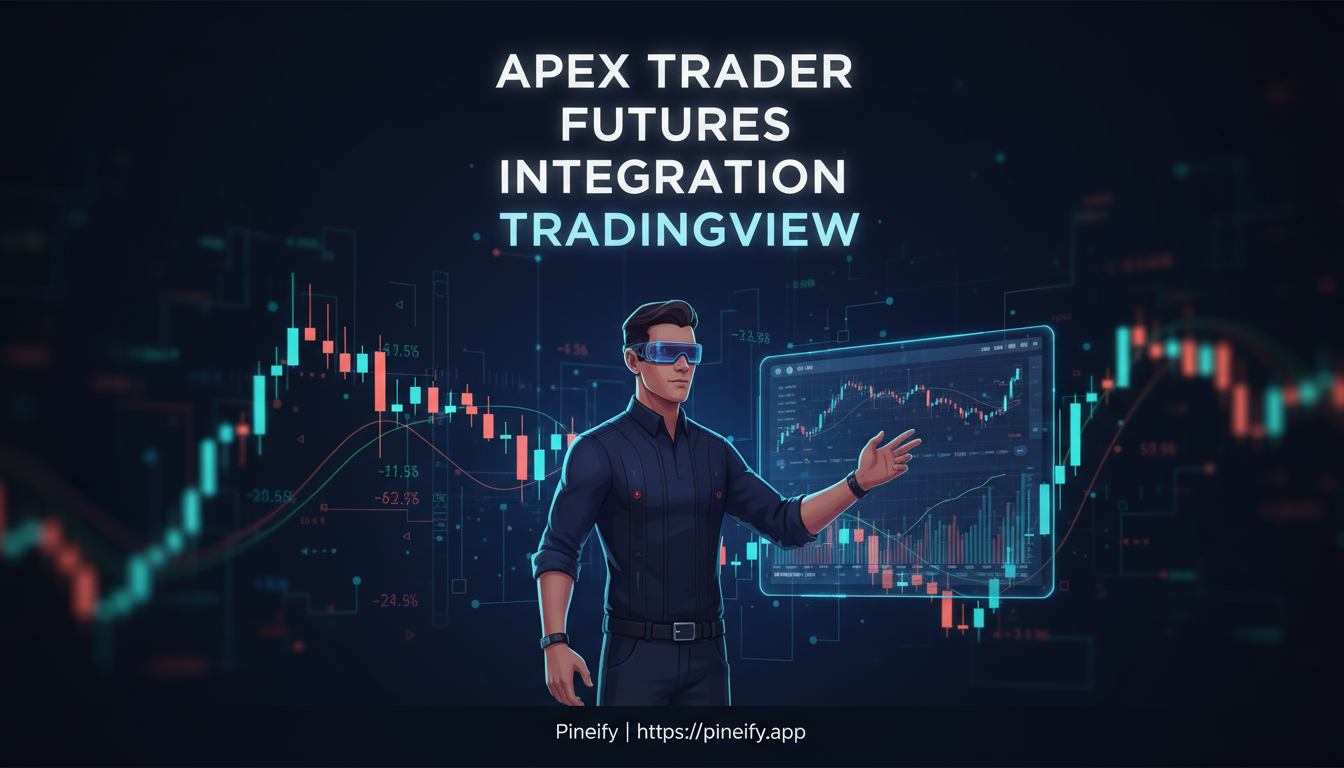
Apex Trader TradingView integration connects your funded Apex account directly to TradingView charts through the Tradovate platform. You execute futures trades using TradingView's analysis tools while positions, balances, and order status sync in real time. I've traded ES and NQ futures through this setup since February 2025, and it eliminates the old workflow of analyzing on TradingView then moving to NinjaTrader to place orders.
After more than ten years on trading screens, I'll tell you something that still surprises me: most people reach for the same SMAs and EMAs, but the indicator I keep coming back to flies under the radar. The Arnaud Legoux Moving Average (ALMA) is a weighted moving average that uses a Gaussian bell curve distribution to cut lag while keeping signals readable. Arnaud Legoux and Dimitrios Kouzis-Loukas designed it to fix the trade-off between speed and smoothness that every moving average inherits.
Regular averages either drag behind price (SMA) or rattle with false signals (EMA). ALMA sidesteps both by applying a bell curve so recent prices carry more weight, but the transition stays smooth, not abrupt. You tune it with three knobs: window length, offset, and sigma. I've been running ALMA on my 4-hour EUR/USD charts for about 18 months now, and it calls trend shifts before my old 20 EMA does.
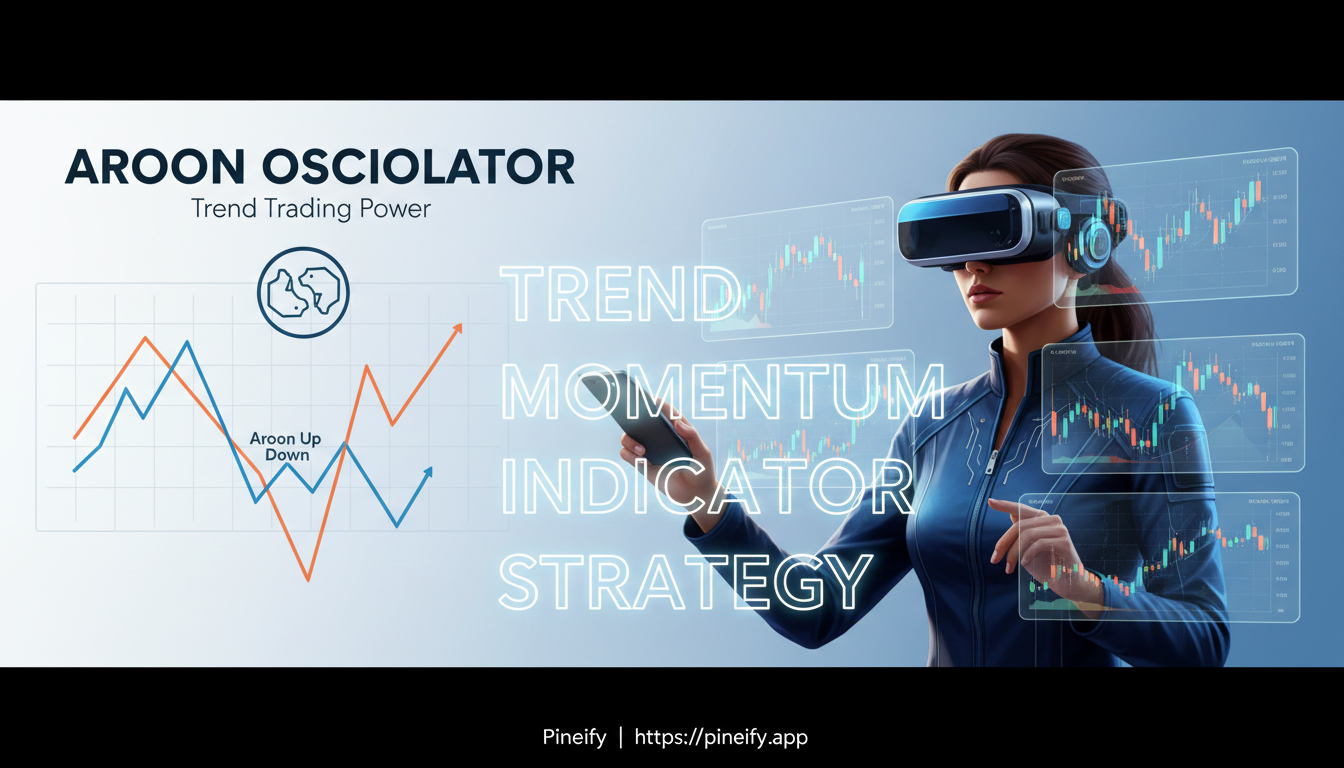
The Aroon Oscillator is a single-line indicator that measures the difference between Aroon Up and Aroon Down. It moves between -100 and +100, and its position relative to zero tells you whether buyers or sellers control the price. Positive means bulls are winning. Negative means bears are in charge. Near zero, the market is stuck in no-man's-land.
I've used this oscillator on daily AAPL charts since late 2024, and I prefer it over the standard two-line Aroon when I need a fast directional read. It's not perfect—no single tool is—but it cuts through noise faster than most trend indicators I've tried.
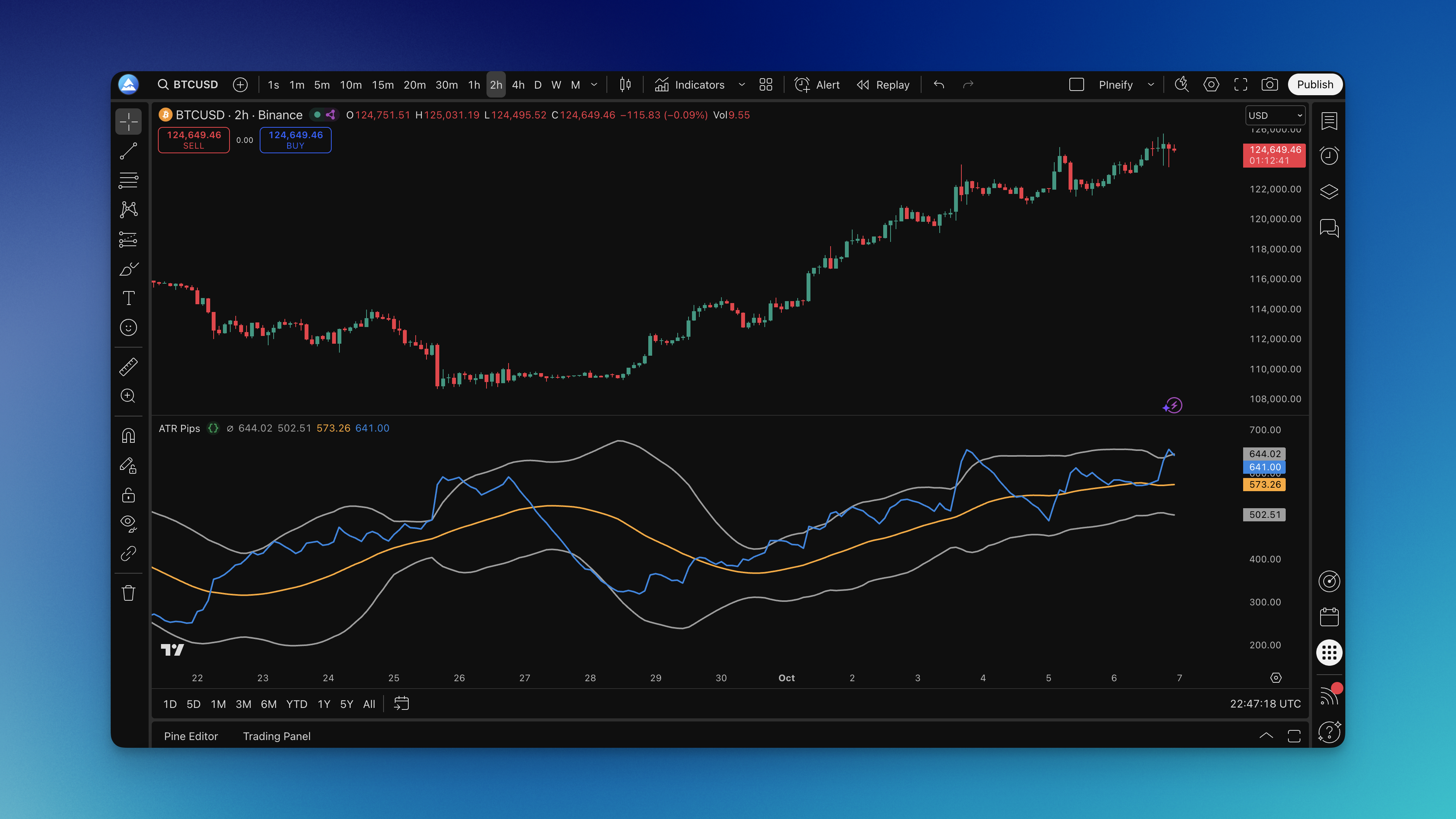
Ever stared at your ATR indicator wondering what the heck 0.00125 means for your EUR/USD trade? You're not alone. Your broker talks in pips, your risk calculator needs pips, but your volatility indicator speaks in decimals that make no sense at 2 AM when you're trying to set a stop loss.
Here's the thing—ATR is brilliant for measuring market volatility, but it's useless for forex traders who think in pips. That's exactly why the ATR Pips indicator exists. It takes that confusing decimal and turns it into something you can actually use: real pip values that make sense for your trading decisions.
Automated trading in TradingView is the practice of using Pine Script strategies and webhook alerts to execute trades without manual intervention. You define entry and exit rules, backtest them against historical data, then let the system watch the markets and send orders on your behalf around the clock. The real work is connecting TradingView's charting engine with third-party services that handle actual trade execution.
Think of TradingView as your strategy design studio. It's where you build, test, and fine-tune ideas. It doesn't place trades directly, but it gives you all the tools—Pine Script, the alert system, webhooks—to generate signals and send them out into the world.
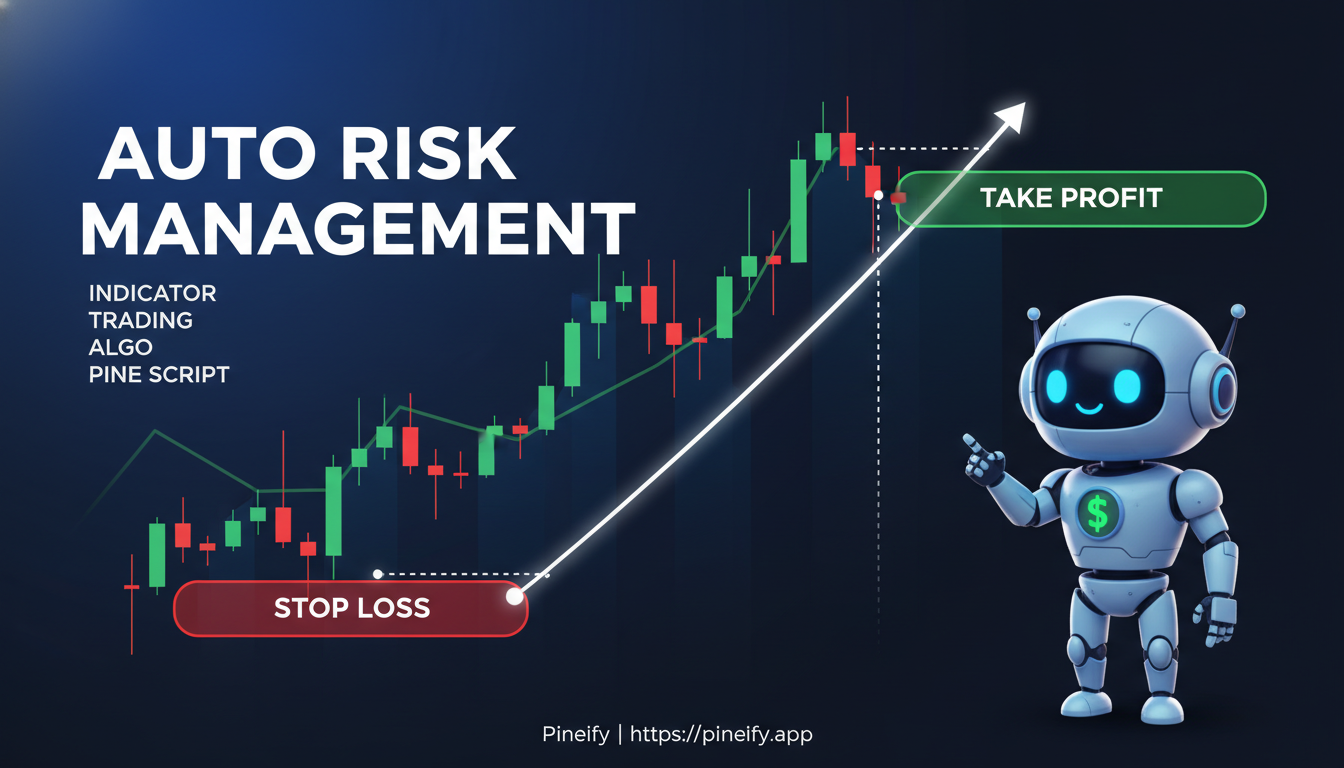
Automatic stop loss and take profit indicators are TradingView tools that calculate where your trade should exit based on formulas you choose -- ATR, percentage, or support and resistance levels. They place stop and target orders so you can step away from the charts and still stick to your risk plan. I started using an ATR-based version on SPY around March 2025, and it cut my screen time by at least half.