516 posts tagged with "TradingView"

Blog posts related to the TradingView

View All Tags

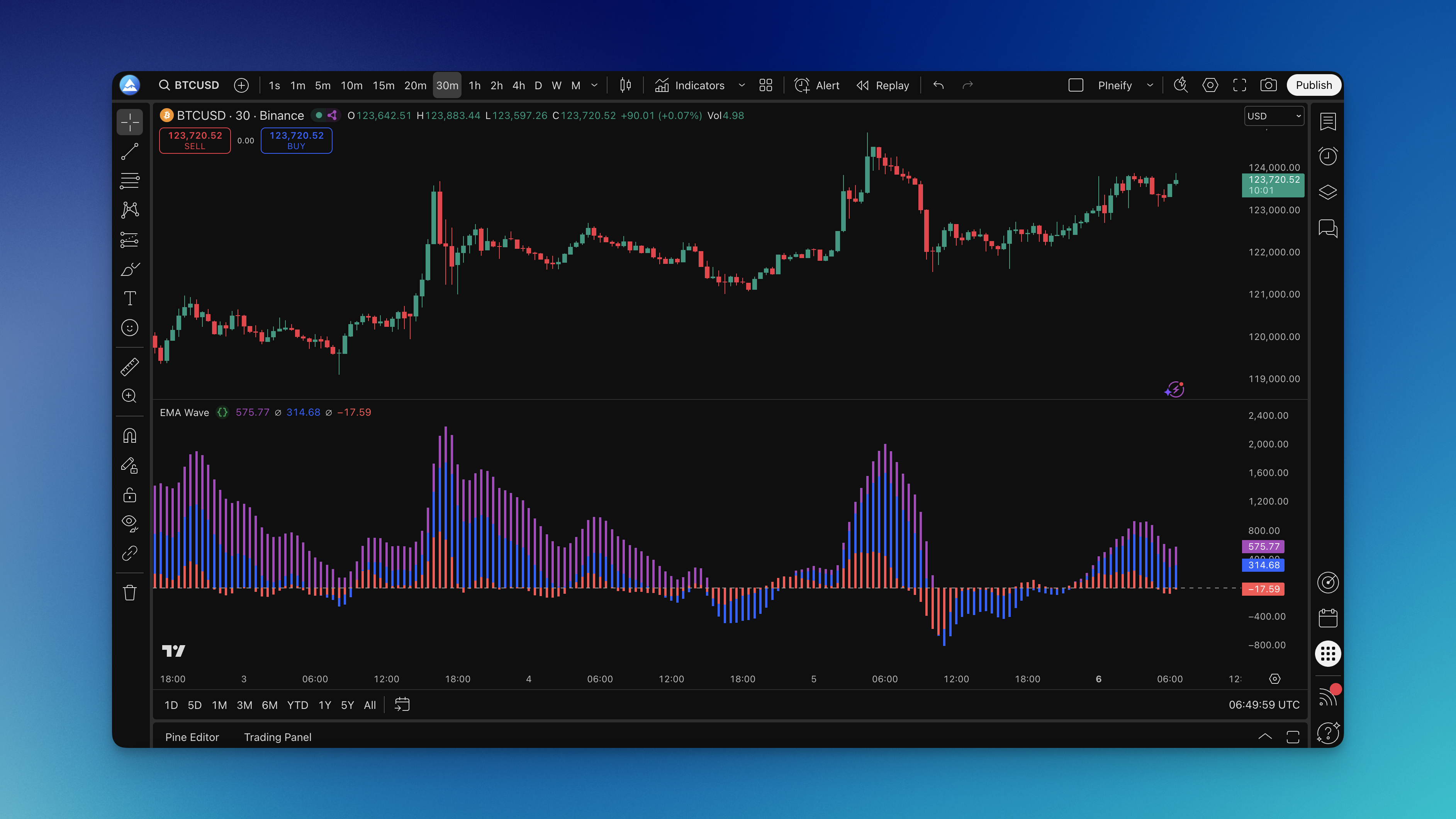
How to Backtest on TradingView: The Complete 2026 Guide That Actually Works

· 11 min read
Pineify Team
Pine Script and AI trading workflow research team

You've got a trading strategy idea. Maybe it's based on RSI, moving averages, or something you noticed watching charts late at night. But here's the thing—you don't know if it actually works. That's where backtesting comes in.

Think of backtesting like taking your strategy for a test drive through history. Instead of risking real money to see if your idea holds up, you're basically asking "what would have happened if I'd traded this way over the past year?" TradingView gives you two main ways to do this: Bar Replay for the hands-on folks, and the Strategy Tester for those who want faster, more comprehensive results.

In this guide, I'll walk you through both methods—how they work, when to use each one, and the pitfalls that trip up most traders when they're backtesting their strategies.

How to Backtest on TradingView

How to Change Candle Colors in Pine Script (It's Easier Than You Think!)

· 6 min read
Pineify Team
Pine Script and AI trading workflow research team

Ever stared at your TradingView charts thinking all those candles look exactly the same? Trust me, I've been there. When you're scanning hundreds of price bars trying to spot meaningful patterns, having candles that actually change colors based on what's happening in the market can completely transform your trading experience.

Today I'm going to walk you through exactly how to change candle colors in Pine Script. We'll start with a volume-based example that's surprisingly powerful (volume doesn't lie, right?), but once you understand the basics, you can customize colors for virtually any trading condition imaginable.

Changing Candle Color in Pine Script

How to Change Chart Background Color in TradingView Mobile

· 13 min read
Pineify Team
Pine Script and AI trading workflow research team

Customizing your TradingView mobile app lets you set up your charts just the way you like them, and one of the easiest ways to do that is by changing the background color. It's a small tweak that can make a big difference in how comfortable you are looking at your charts. Whether you're on an iPhone or an Android, this guide will walk you through the simple steps to make your trading experience visually better. Maybe you want a dark screen for those late-night trading sessions or a bright one for clear daytime analysis—either way, getting it set up is straightforward.

How to Change Chart Background Color in TradingView Mobile

How to Change Currency in TradingView

· 6 min read
Pineify Team
Pine Script and AI trading workflow research team

Want to see a stock or crypto chart in a different currency? Maybe you're more comfortable thinking in Euros, or you need to check the price in Japanese Yen. TradingView makes this super simple.

Here's how you can switch the currency display on your charts, whether you're on a computer or your phone.

How to Change Currency in TradingView

How to Change Line to Candle in TradingView: Complete Guide for Traders

· 16 min read
Pineify Team
Pine Script and AI trading workflow research team

TradingView is an incredibly powerful tool for looking at the markets, but if you're just starting out, all the chart options can feel a bit overwhelming. Ever find yourself staring at a simple line and wishing you could see the full picture with candlesticks? You're not alone.

This guide will walk you through switching from a line chart to a candlestick chart, step-by-step. It's a simple change that can seriously upgrade your analysis and help you make more informed decisions.

How to Change Line to Candle in TradingView: Complete Guide for Traders

How to Change TradingView to Dark Mode: A Complete Guide

· 6 min read
Pineify Team
Pine Script and AI trading workflow research team

Switching TradingView to dark mode is highly recommended for traders who spend long hours analyzing charts, as it reduces eye strain and enhances focus. This comprehensive guide covers everything you need to know, from basic enabling steps to deep customization and troubleshooting, ensuring your setup is perfect for extended trading sessions.

How to Change TradingView to Dark Mode

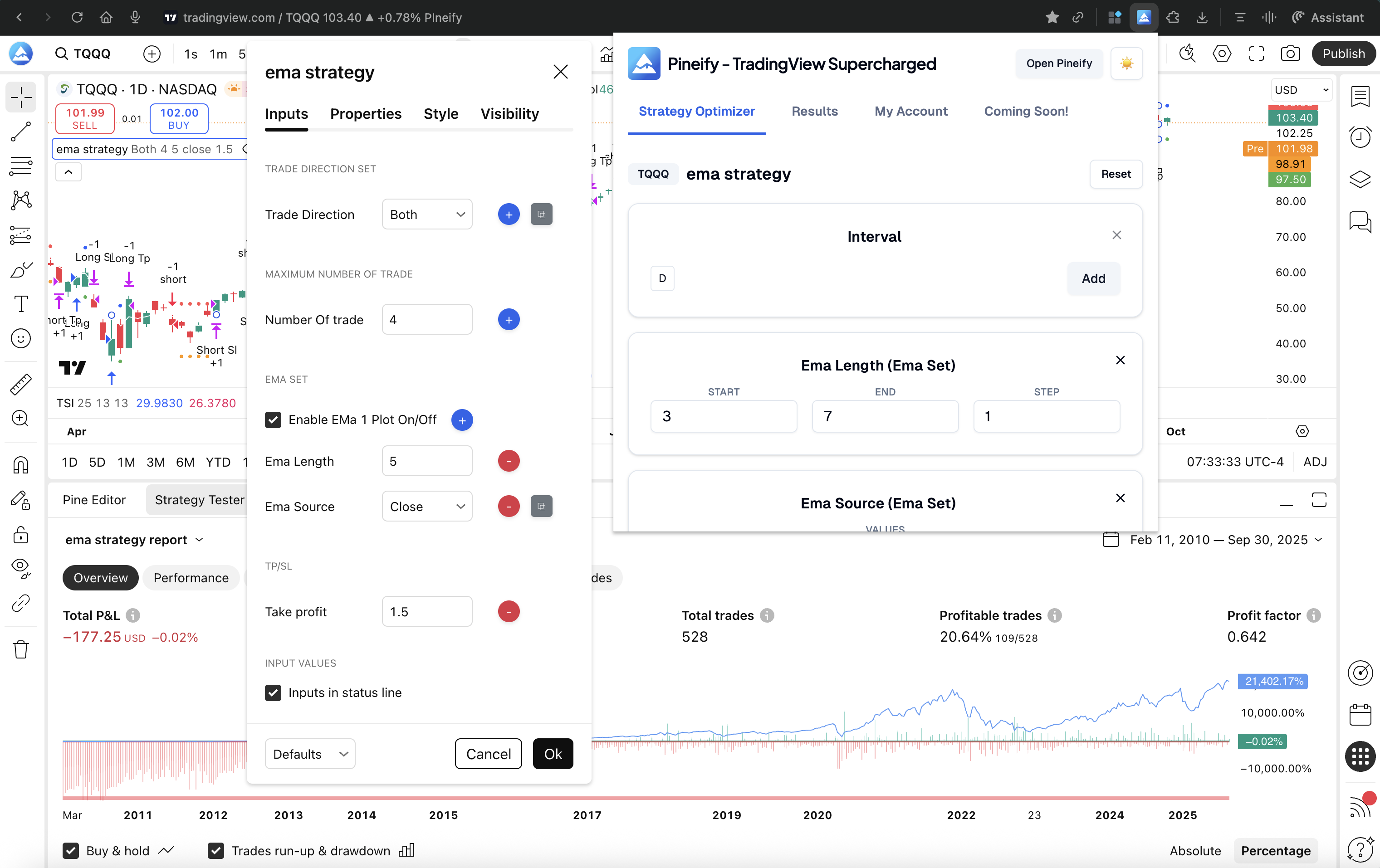
How to Combine Two Indicators in TradingView Pine Script: Complete 2026 Guide

· 10 min read
Pineify Team
Pine Script and AI trading workflow research team

Have you ever felt overwhelmed staring at multiple indicator windows on TradingView? I get it. One minute you're watching RSI signals, the next you're trying to track moving averages, and suddenly your chart looks like someone threw Christmas lights at it.

Here's what changed everything for me: Pine Script lets you combine multiple indicators into one clean, powerful script. And honestly? It's way simpler than most people think.

After years of trading and probably more trial-and-error than I'd like to admit, I've learned that combining the right indicators can filter out those annoying false signals that used to cost me money. In this guide, I'll show you exactly how to do it, share some combinations that actually work, and help you avoid the mistakes I made when I was starting out.

Why You Should Combine Multiple Indicators (And Why One Isn't Enough)

Let me be straight with you – relying on a single indicator is like trying to drive while looking through a keyhole. You might see something, but you're missing the bigger picture.

Single indicators can be misleading

I used to live and die by RSI signals. When it hit oversold territory, I'd buy thinking I found a bargain. Then I'd watch the price continue dropping while my account balance did the same. Sound familiar?

Multiple indicators create confirmation

Everything changed when I started waiting for two different indicators to agree with each other. It's like asking for a second opinion before making a big decision. Sure, you might miss some quick moves, but you'll avoid way more bad trades.

Think about it this way – different indicators reveal different aspects of the market:

  • Momentum indicators (like RSI or Stochastic) show you if something's overbought or oversold
  • Trend indicators (like EMA or SMA) tell you which direction things are actually heading
  • Volume indicators confirm whether there's real conviction behind the move
  • Volatility indicators (like Bollinger Bands or ATR) help you understand how wild the price swings might get

When multiple types align, that's when you start seeing consistent results. Let me show you exactly how to build this kind of system.

How to Connect Apex to TradingView: Step-by-Step Guide for Traders

· 13 min read
Pineify Team
Pine Script and AI trading workflow research team

Connecting Apex to TradingView is a game-changer for traders. It lets you combine the power of Apex Trader Funding's evaluation and funded accounts with the incredible charts and tools on TradingView. Essentially, you can place your futures trades directly from the TradingView charts you know and love, while your account and capital come from Apex through their partnered broker, Tradovate.

This guide will walk you through the entire process, from the initial setup to troubleshooting common issues, so you can seamlessly link your accounts and focus on trading.

How to Connect Apex to TradingView: Step-by-Step Guide for Traders

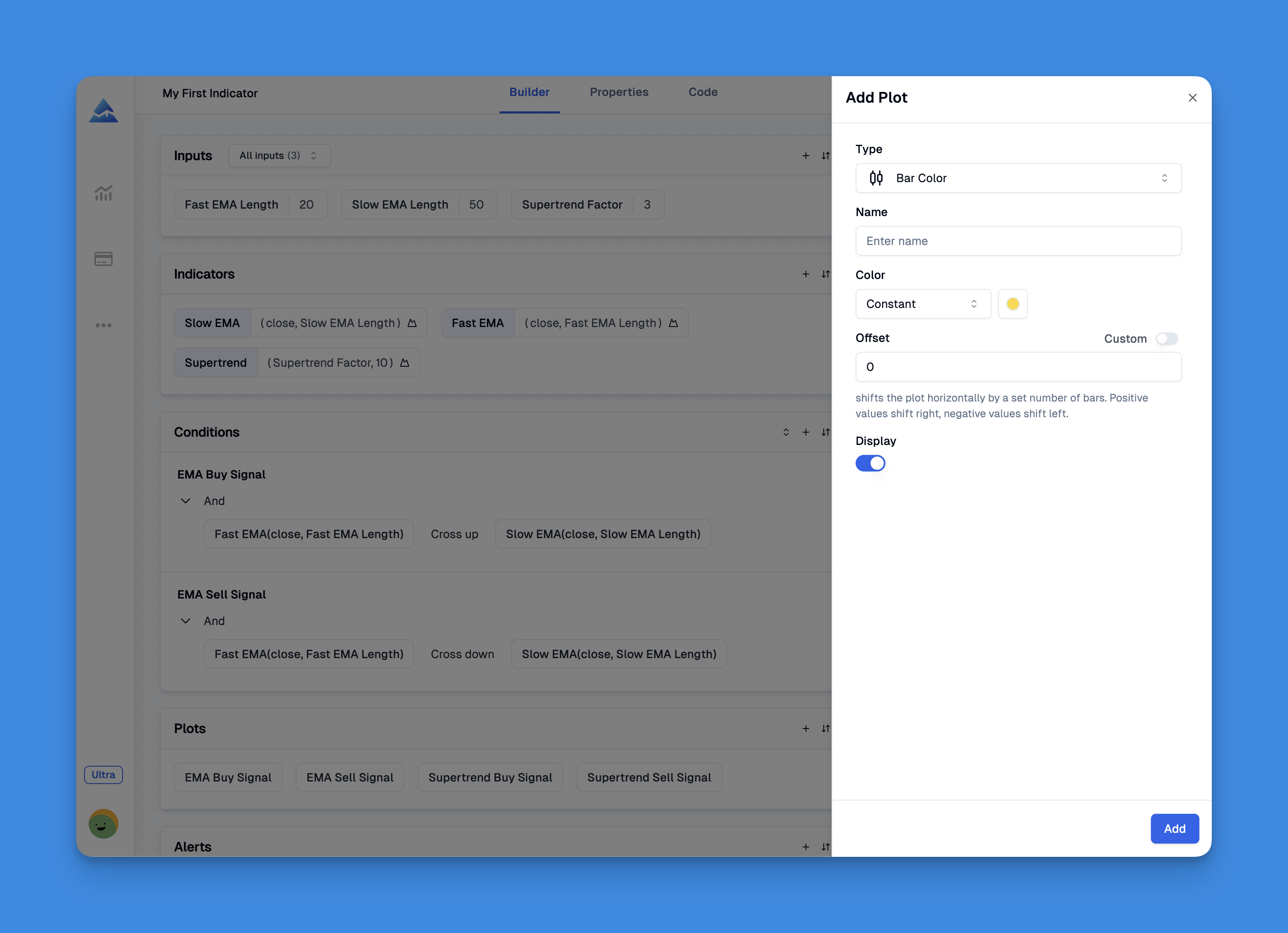
how to convert indicator to strategy TradingView

· 10 min read
Pineify Team
Pine Script and AI trading workflow research team

Converting a Pine Script indicator into a strategy on TradingView is like giving your chart analysis a way to actually place trades. You're essentially taking the signals your indicator creates and building a set of rules that tell TradingView when to buy and sell, so you can test how those decisions would have performed in the past.

how to convert indicator to strategy TradingView

How to Convert TradingView Script to NinjaTrader: Step-by-Step Guide

· 14 min read
Pineify Team
Pine Script and AI trading workflow research team

So, you've built a cool indicator or strategy on TradingView and now you want to bring it over to NinjaTrader? It's a common next step for traders looking to level up. Essentially, you're taking your Pine Script code and rewriting it in NinjaScript, which is based on C#. It's like translating a recipe from one language to another—you need to know both to make sure the final dish tastes the same.

The goal is to unlock NinjaTrader's powerful features, like its deep Order Flow tools and unique chart types, giving you an edge you might not have on TradingView.

How to Convert TradingView Script to NinjaTrader: Step-by-Step Guide