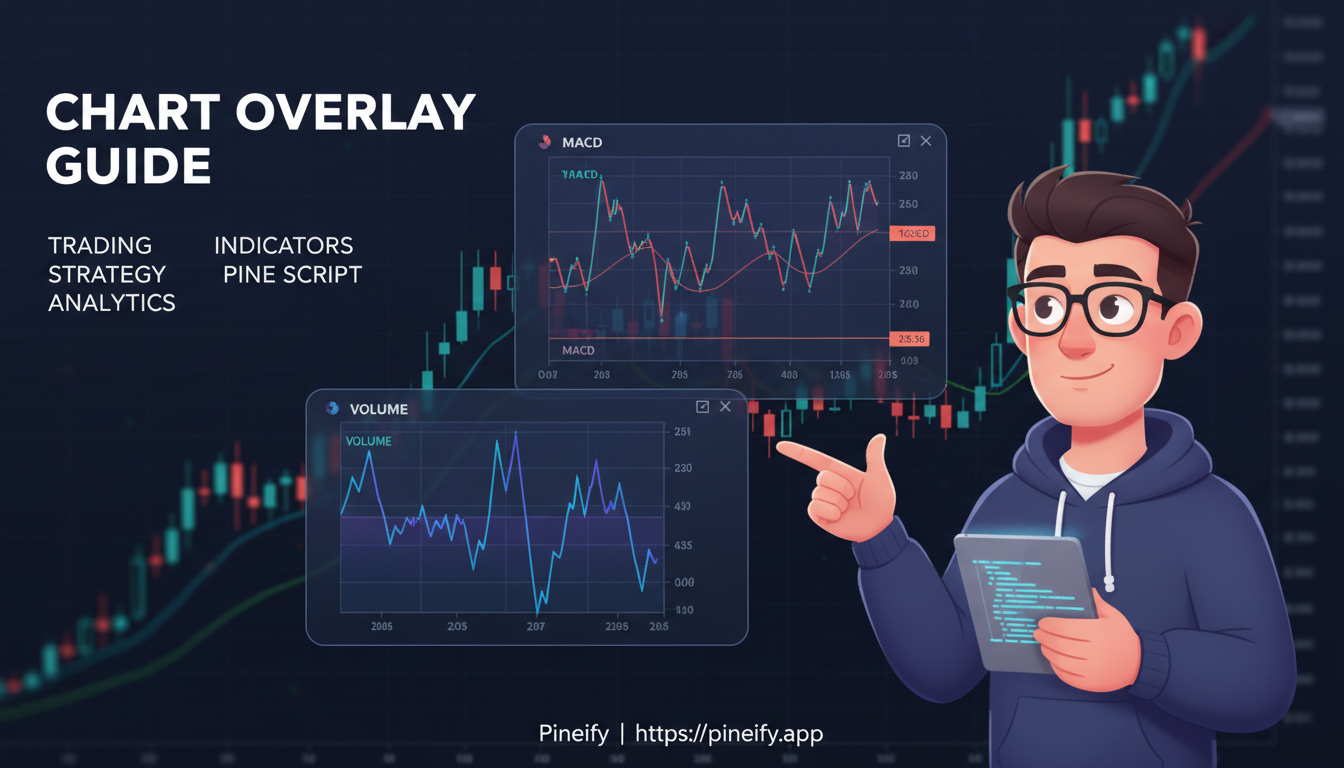
Use TradingView's Compare symbols control to add a second price series, then choose a scale that matches the question. Percentage comparison, separate price axes and separate panes are display options within the same workflow.
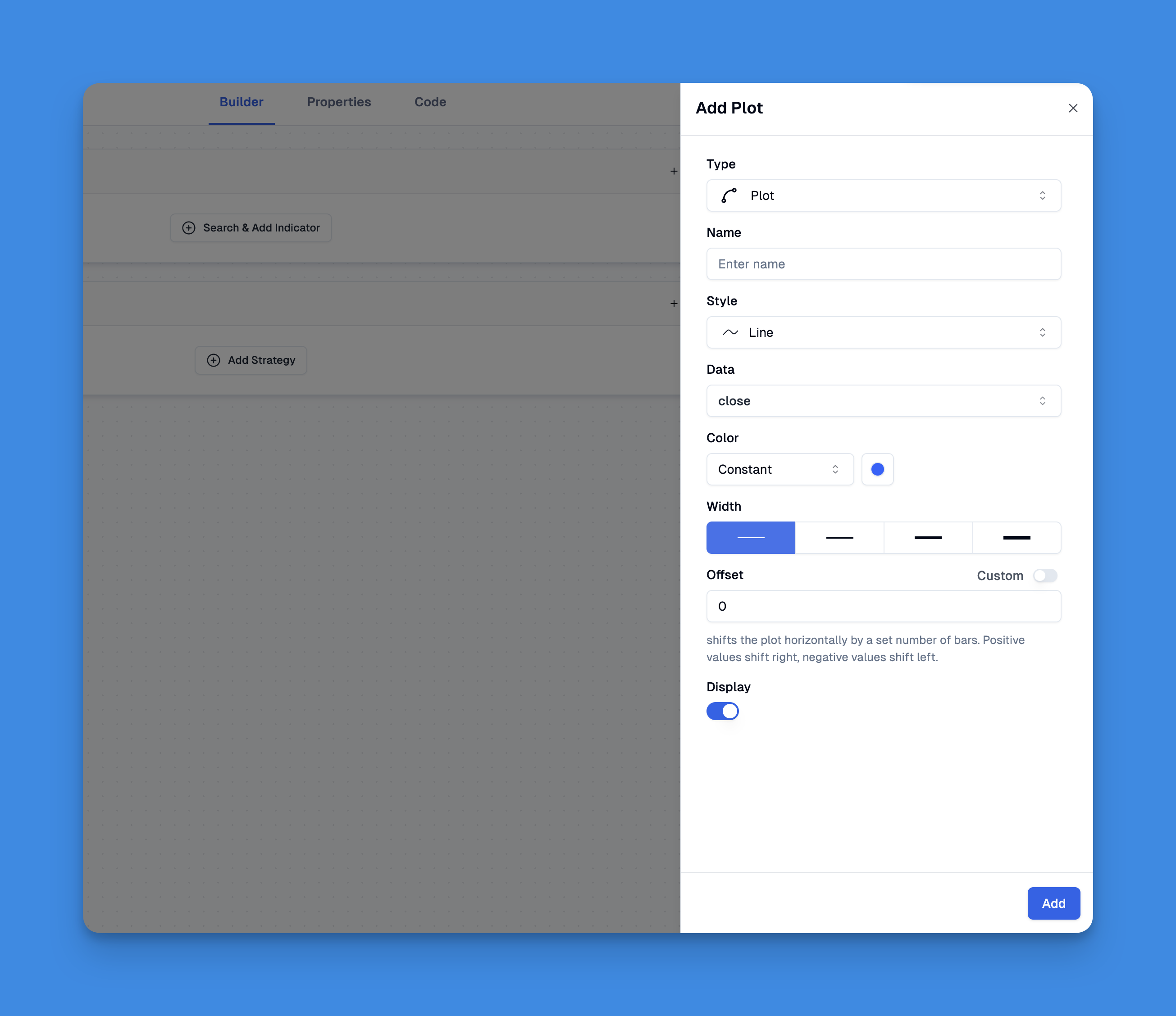
To put text beside a Pine Script line, create a line and a label at matching price coordinates. They remain separate objects: moving one does not automatically move the other. Use setters to keep a current-price annotation synchronized, or create and delete paired objects when preserving historical signals.
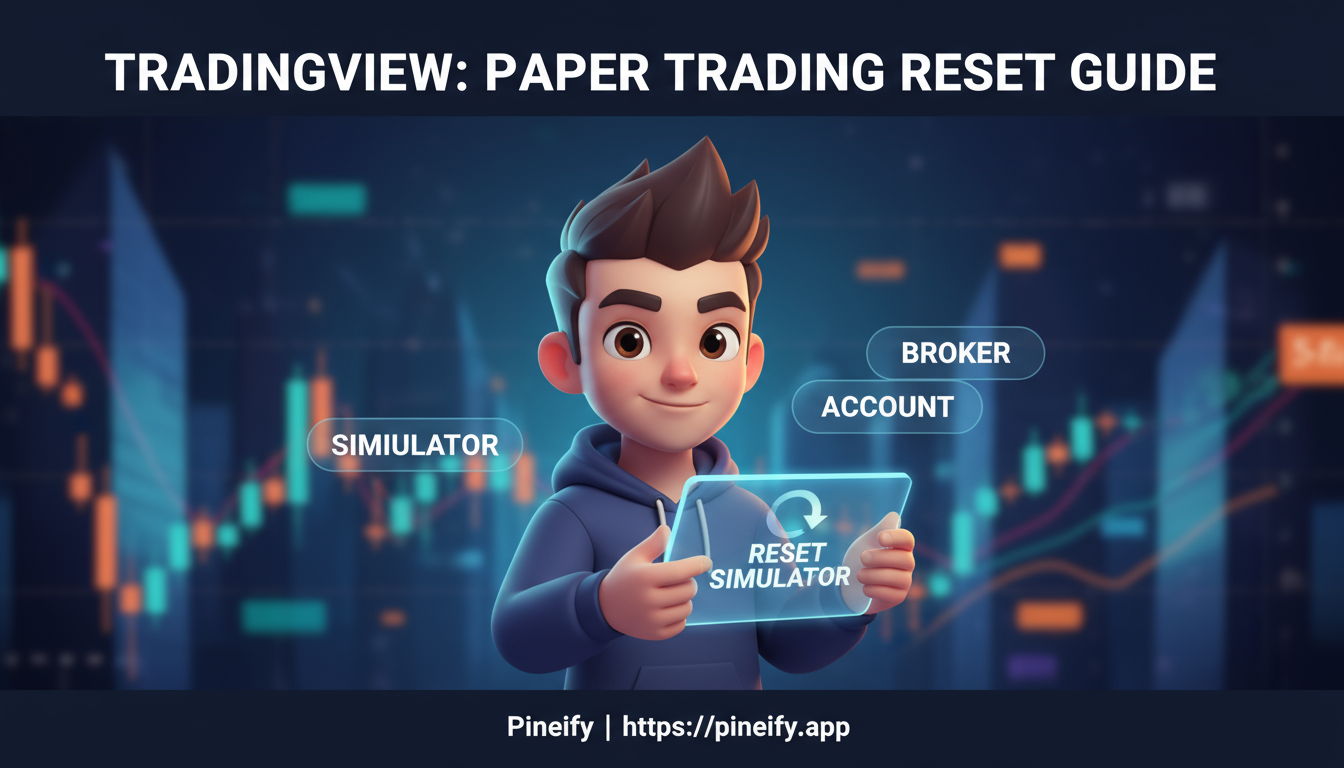
Resetting a TradingView Paper Trading account clears its transaction history, active orders, and open positions. Save any records you need first. If you want a separate test while preserving the existing account, creating another paper account may be a better fit.
Run Pine Script by opening TradingView's Pine Editor, creating or opening a script, saving it, and selecting Add to chart. Compilation checks the code; the chart shows its output. An indicator, a strategy backtest, and a live broker order are different things.
A trailing stop adjusts its trigger as price moves favorably, then holds that trigger when price reverses. Whether you can place one from TradingView depends on the connected broker, account, symbol, and supported order types. A trailing-stop indicator or Pine backtest is not a live protective order.
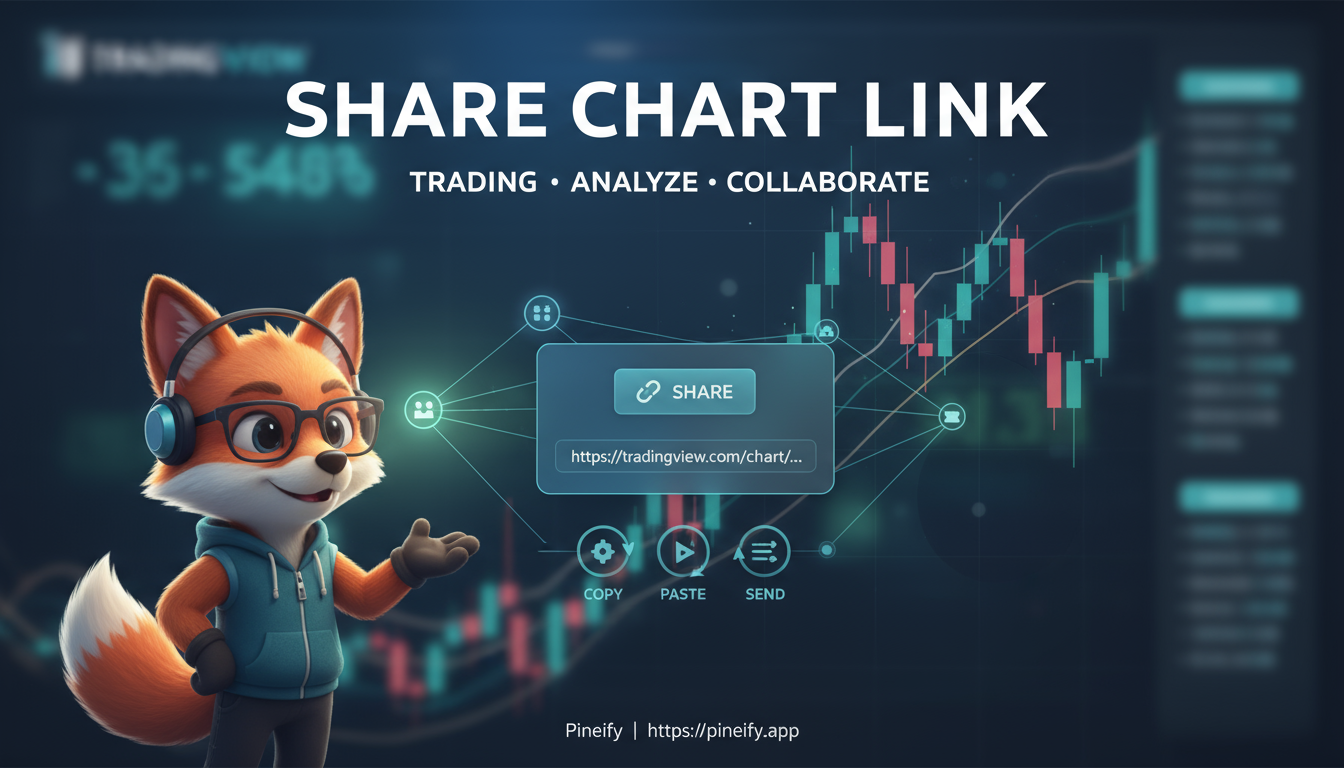
A TradingView snapshot link shares a static chart image. A shared layout link opens an interactive chart view that the recipient can copy into their account. Choose the format first: a picture preserves what you saw at one moment, while a layout is useful for inspecting a setup.
To give someone a reusable TradingView setup, share a saved chart layout and have them copy it into their own account. They can then save its indicator stack as a personal indicator template. A template, a layout, and a snapshot are different objects; sending a picture does not transfer reusable settings.
On TradingView, you can practice a short trade in Paper Trading, draw a proposed short setup, or submit an order through a supported broker. Those are separate workflows. Selling an asset you already own may simply reduce a long position; it does not necessarily open a short.
Start with one symbol, one chart, and one saved layout in TradingView. Verify the market-data source before interpreting prices, learn what each candle represents, then practice alerts and simulated orders separately. A charting tool helps organize observations; it does not establish that a trading idea will be profitable.
A Pine Script strategy defines simulated orders for TradingView's broker emulator. Write down the entry, exit, size, and execution assumptions first, then implement them with strategy(). Changing an indicator's declaration alone does not supply missing order rules.