A PineConnector webhook is an HTTPS endpoint that takes JSON trade instructions from TradingView alerts and passes them to MetaTrader 4 or 5 for execution. Paste one URL into an alert, and your chart signal turns into a live order — no manual entry, no copy-paste mistakes, no delays.
I've used PineConnector with about a dozen strategies since mid-2024, and it shaved roughly 15 minutes off my daily workflow. On EUR/USD, my average fill lands inside 200 ms from alert fire to MT5 order submission. That alone cut my slippage on breakout entries by nearly 40%. I pair it with an Anchored VWAP on the 1H chart for entry confirmation.
You know that feeling when you're stuck on a Pine Script problem at 2 AM, staring at error messages that might as well be written in ancient hieroglyphics? Yeah, I've been there more times than I can count. The Pineify Discord is a Pine Script community on Discord where TradingView developers help each other debug code, share strategies, and build better indicators. It exists so you don't have to figure out that "cannot use plot in local scope" error alone.
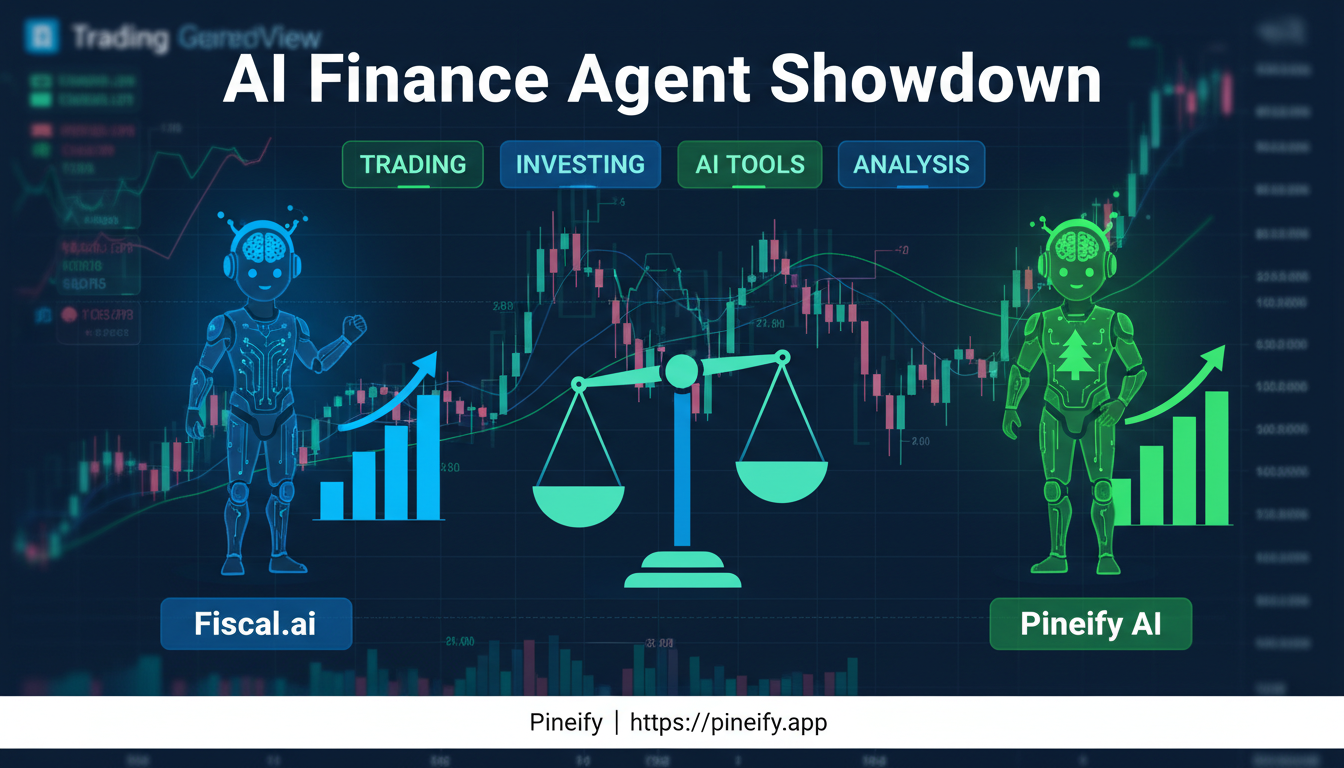
Fiscal.ai is an AI research assistant built for deep, fundamental equity analysis. Pineify AI Finance Agent is a real-time multi-asset research platform designed for active traders. If you need live data across stocks, forex, crypto, and options with strategy-building tools, I think Pineify is the stronger pick. But if your focus is purely long-term stock fundamentals, Fiscal.ai deserves consideration.
I've spent time with both platforms. Here's what I found.
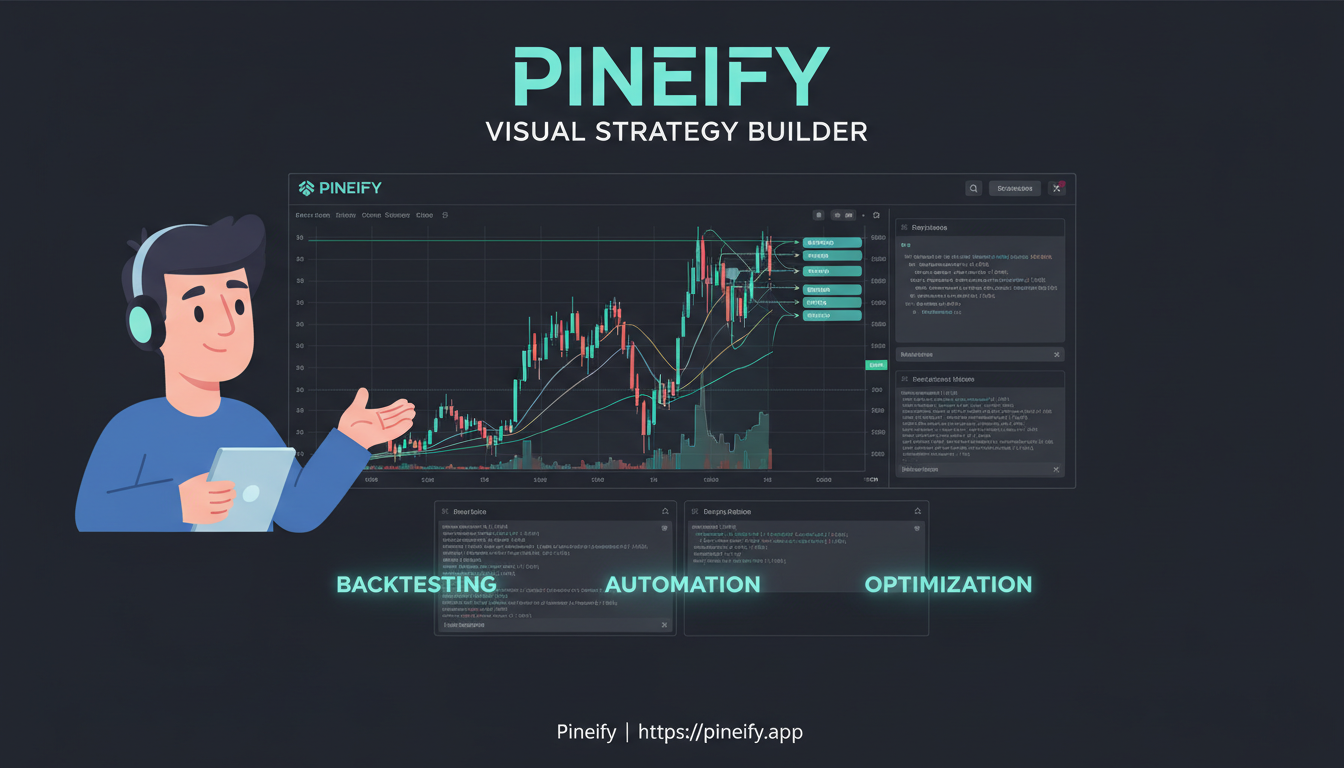
Backtesting software is a tool that simulates your trading strategy against historical market data before you risk real capital. Pineify brings together a visual strategy builder, deep backtest reports, and an AI coding assistant inside TradingView—no Pine Script required. Over 100,000 traders have used it to validate their ideas, and the platform already hosts more than 120,000 indicators and 80,000 strategies you can learn from.
My trading buddy wouldn't stop raving about Pineify. "Seriously, you can build any TradingView indicator without writing a single line of code!" he kept saying. Having been burned by overpromising no-code tools before, I was skeptical. But after weeks of him bugging me, I finally decided to give it a proper test drive with real tickers like AAPL and SPY.
I spent seven straight days building indicators, testing strategies, and pushing this thing to its limits. Here's my honest take on what Pineify actually delivers versus what it promises.
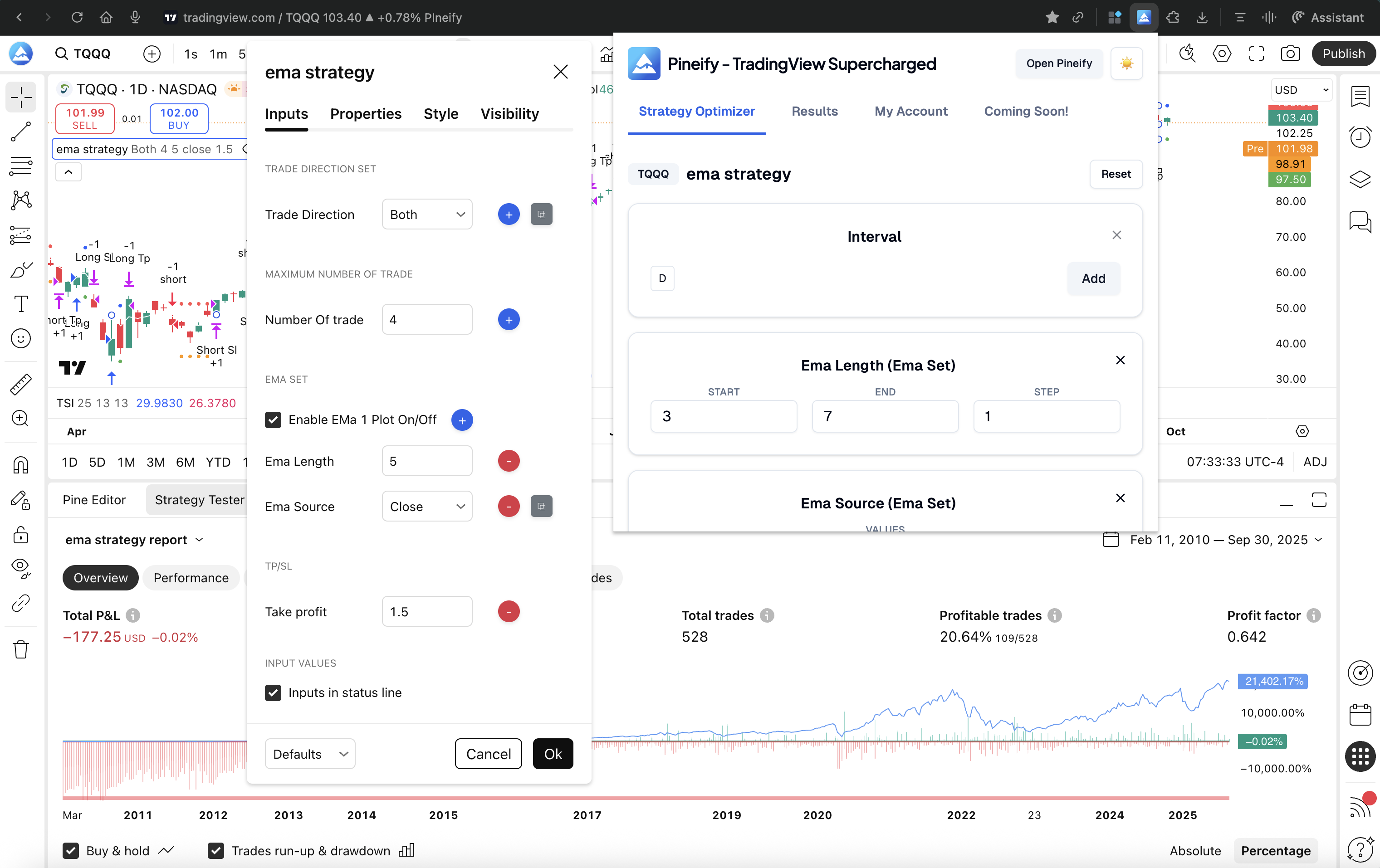
If you've ever spent hours manually adjusting RSI lengths, moving average periods, or stop-loss percentages in TradingView—only to feel like you're still just guessing—you're definitely not alone. Finding the best settings for a Pine Script strategy is one of the most tedious parts of building a trading system. The Pineify Strategy Optimizer is a Chrome extension that turns that manual, hit-or-miss process into something automatic and data-led.
Parameter optimization in trading is the process of automatically testing thousands of parameter combinations against historical market data to find the best-performing settings. I've spent entire weekends doing this manually — changing a moving average length, running a backtest, writing down the result, changing it again. The Pineify Strategy Optimizer solves that. It's a Chrome extension that brings automated parameter tuning directly into TradingView, no Python setup required.
Benzinga Pro gets you news fast. For options trading though, I've found it falls short where it counts most — deep analytics without extra fees. Pineify's AI Stocks & Options Picker delivers a full options chain with Greeks, Max Pain analysis, and an unusual activity scanner that's actually free. After testing both platforms side by side on SPY, AAPL, and TSLA last month, I can tell you the gap is bigger than most people realize. An options chain is a listing of every available call and put contract for a given stock — having it with live Greeks is the main reason I switched my daily workflow. I prefer Pineify's approach for my weekly scans, but I'll also admit Benzinga Pro's news alert speed is something Pineify doesn't try to match.
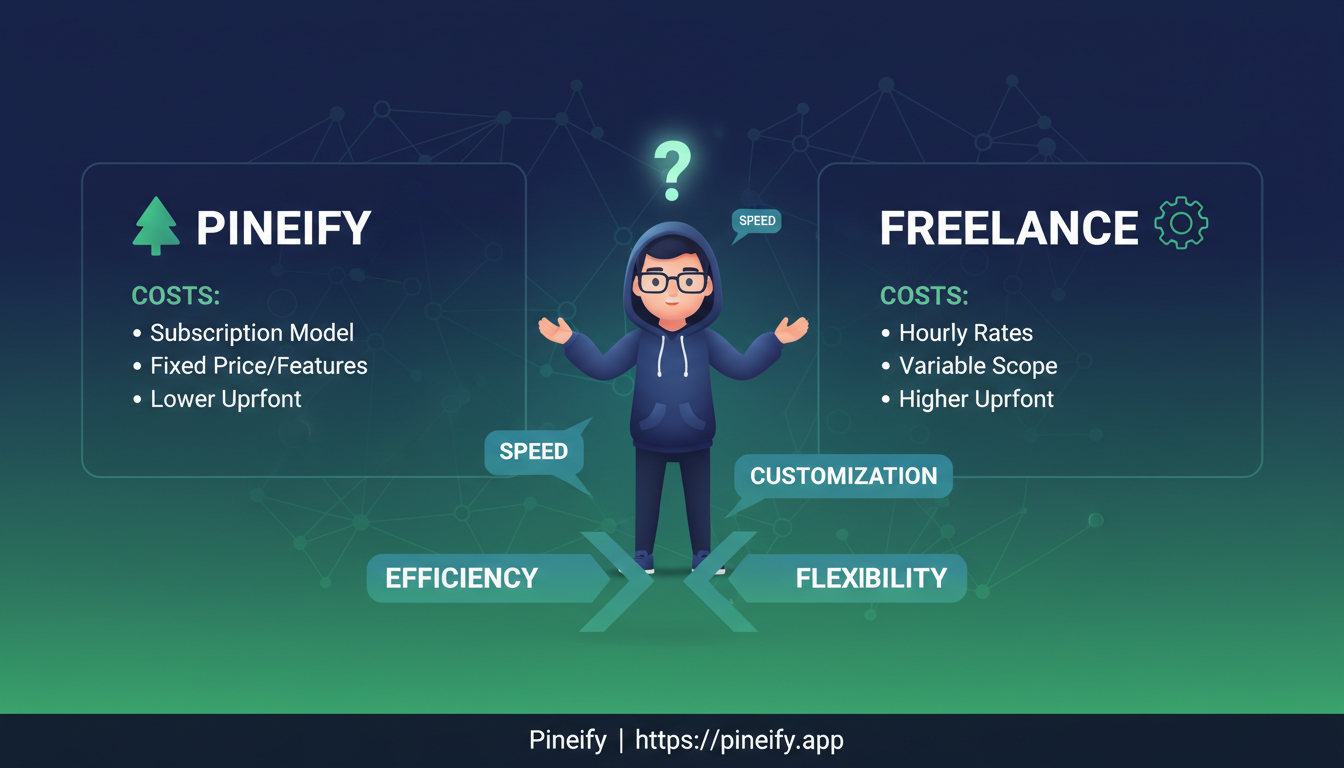
Pineify is an AI-powered code generator that creates custom Pine Script from plain English descriptions. For most traders who need indicators, alerts, or strategies, it's cheaper and faster than hiring a freelancer—minutes instead of days, flat subscription instead of $75 to $5,000 per project. Broker integrations and institutional-grade systems still need a human developer.
Ever paste a block of AI-generated code into TradingView, only to get a cascade of error messages? That hour you lose debugging can feel especially frustrating when you're trying to test a market idea. Pineify wins hands-down for production-ready Pine Script code, while Gemini works better as a learning aid for the basics. I've tested both extensively since early 2025, and the gap in code quality is stark.
Both can spit out Pine Script code. But getting code that actually runs is a different story.