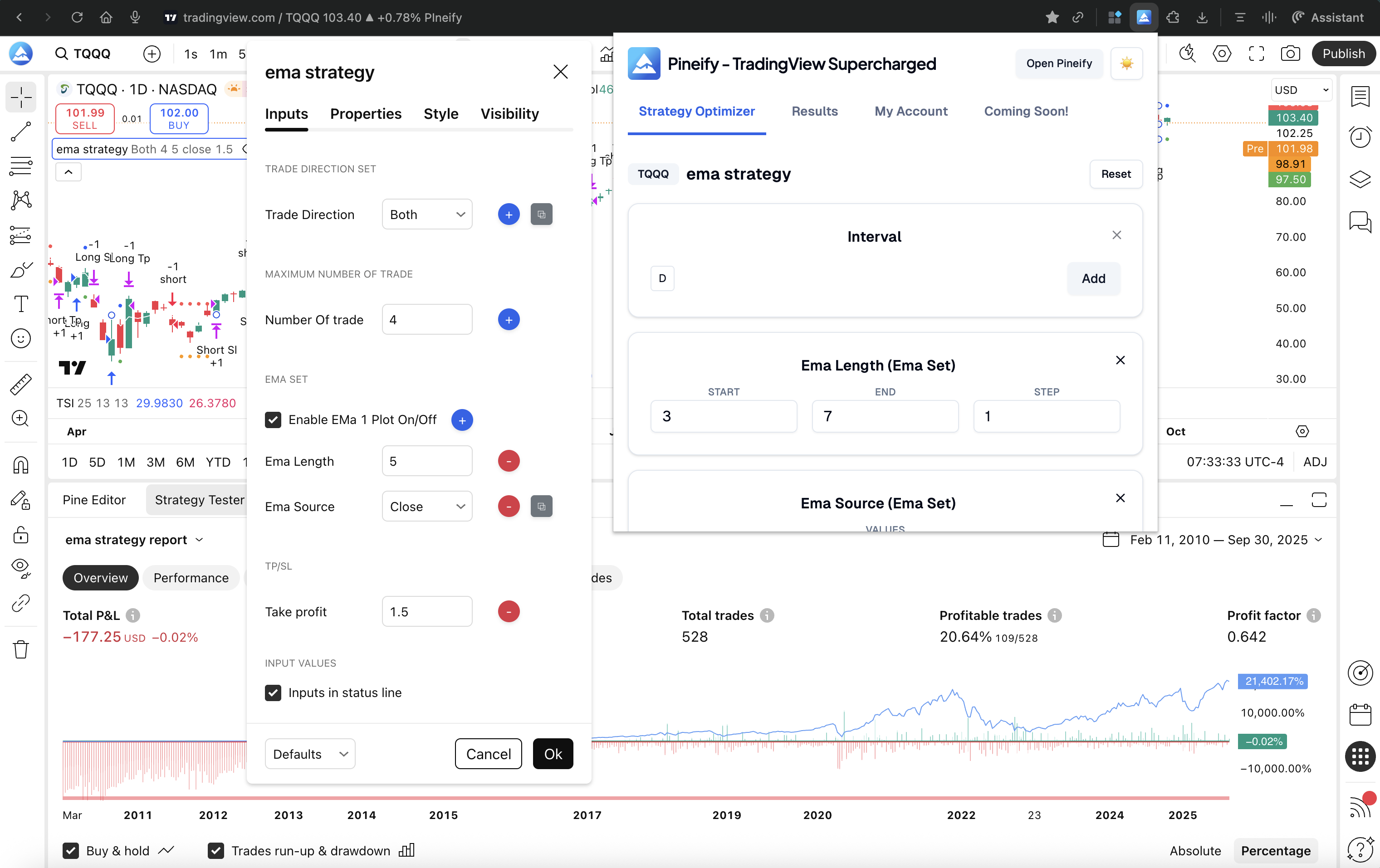
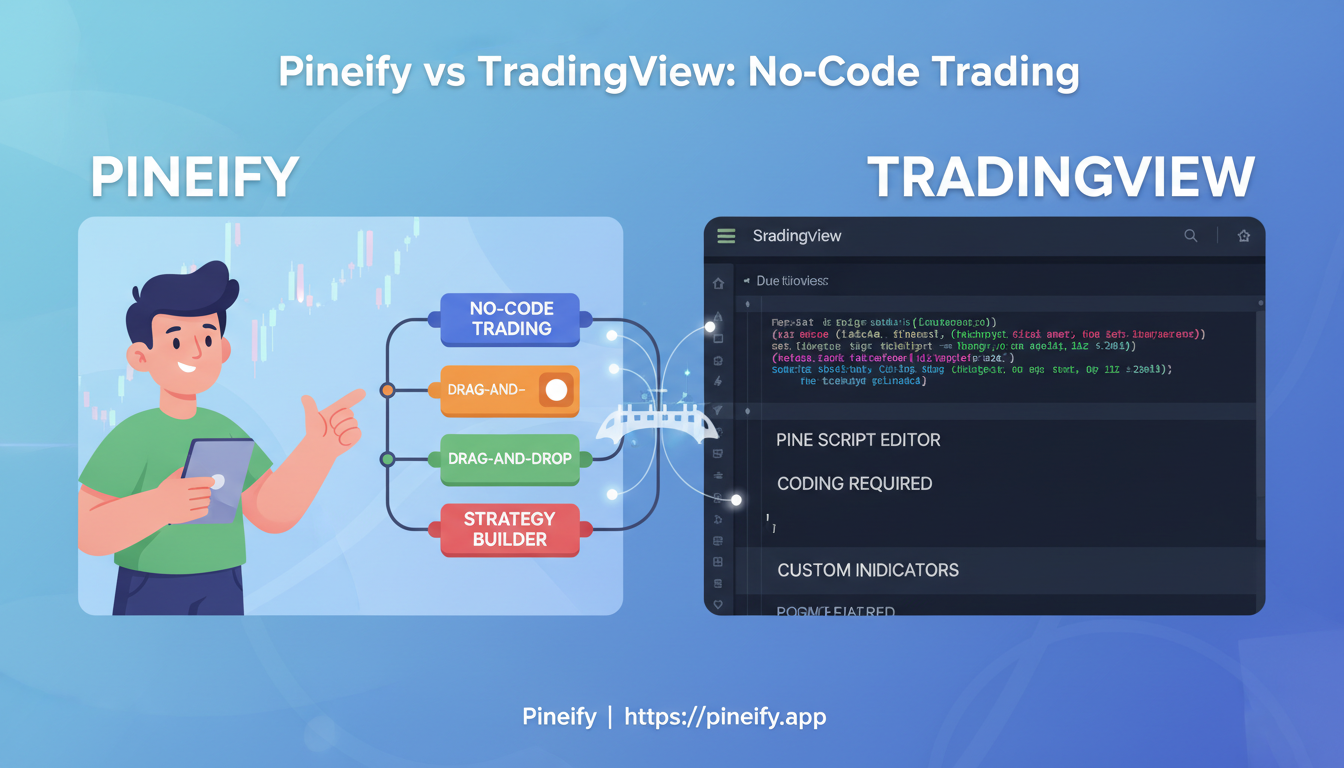
Pineify strategy optimizer without code and Optuna address different parts of a research workflow. Pineify changes supported inputs in a TradingView strategy and collects tester results. Optuna is a Python optimization framework that calls an objective function you supply. The first choice is therefore where the strategy can be evaluated correctly, not which tool promises better returns.
Benzinga Pro and Pineify offer overlapping research tools with different workflows. Benzinga Pro documents news, audio squawk, market events, screeners, and options-activity alerts. Pineify combines stock rankings, options snapshots, and market-data views in its app. There is no controlled evidence here that either produces better trading results.
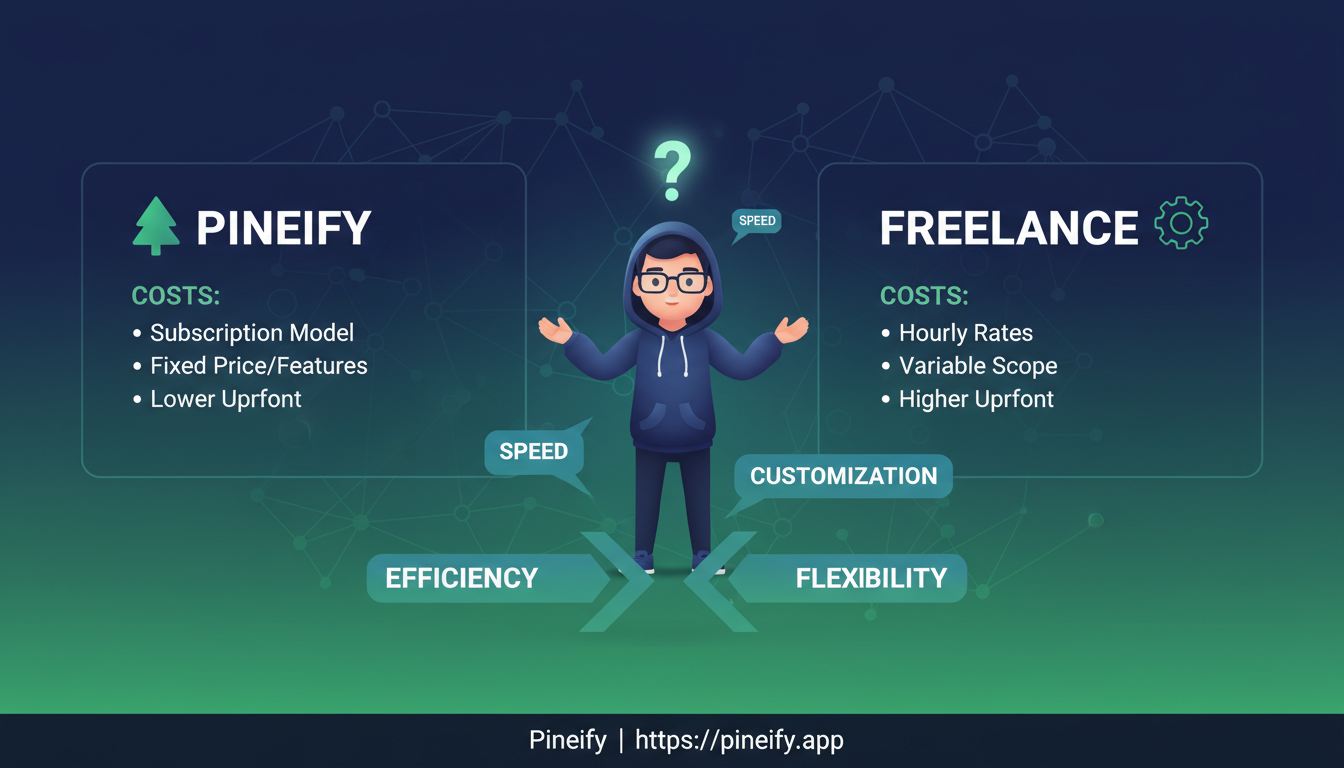
Choose between Pineify and a freelance Pine developer by the work that must be delivered and verified. Pineify offers AI-assisted source generation and a visual builder. A developer can take responsibility for implementation, explanation, testing, and maintenance under an agreed scope. Neither route removes the need for a precise specification.
A defensible Pineify-versus-Gemini comparison needs the same task, model configuration, revision budget, and acceptance tests. No reproducible head-to-head benchmark is supplied here, so an 85% first-compile rate or a claim that one tool always produces better Pine code is not justified. The useful comparison is how each workflow helps you create, check, and revise a script.
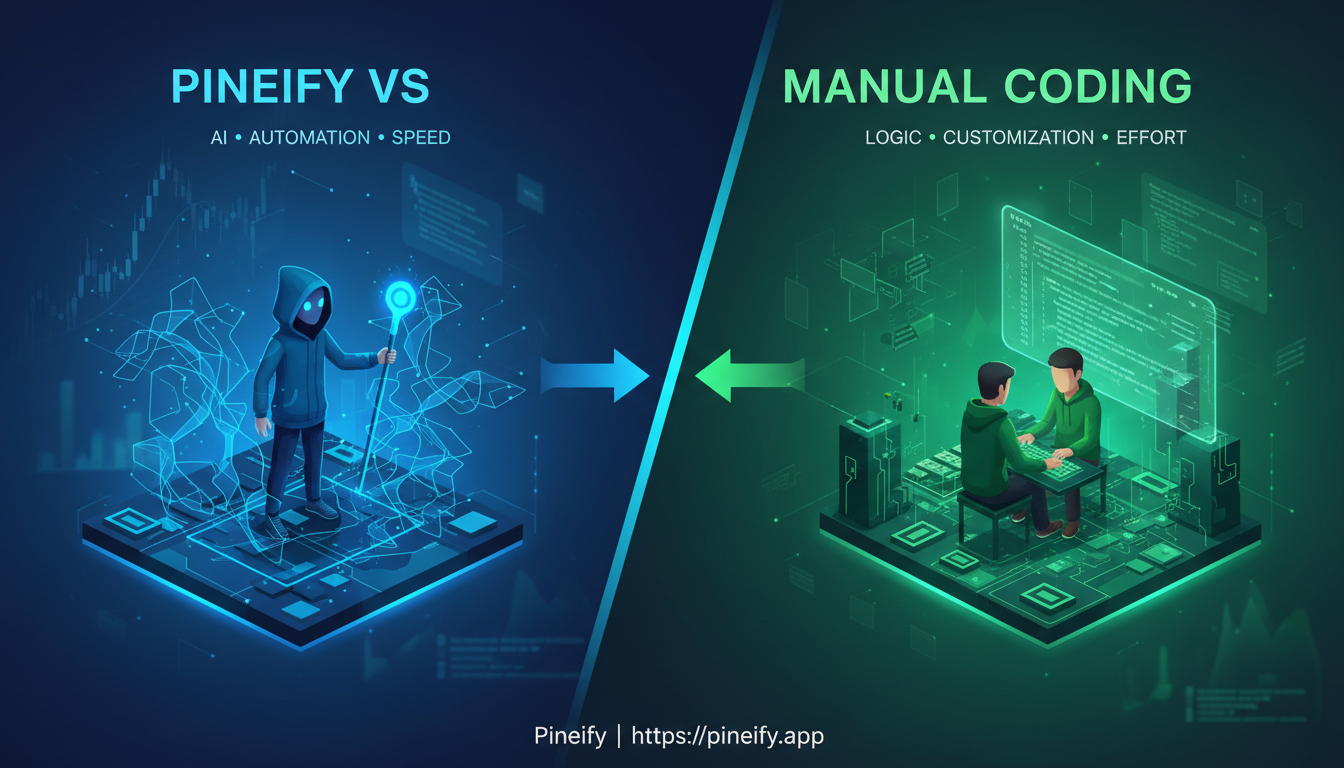
Pineify vs manual Pine Script coding compares manual edits, Pineify's Visual Editor, and AI-assisted drafts. They share the same final constraints: TradingView must accept the script, its behavior must match the rules, and any trading evaluation must use realistic assumptions. No measured 90%-of-users advantage or universal development-time saving is established here.
Pineify's Visual Editor produces Pine Script from supported configurations; TradingView's Pine Editor edits and runs source in the charting environment. TradingView also offers AI Copilot for creating scripts from plain language. The decision is about how you want to specify and review your rules, rather than whether TradingView requires every user to write code manually.
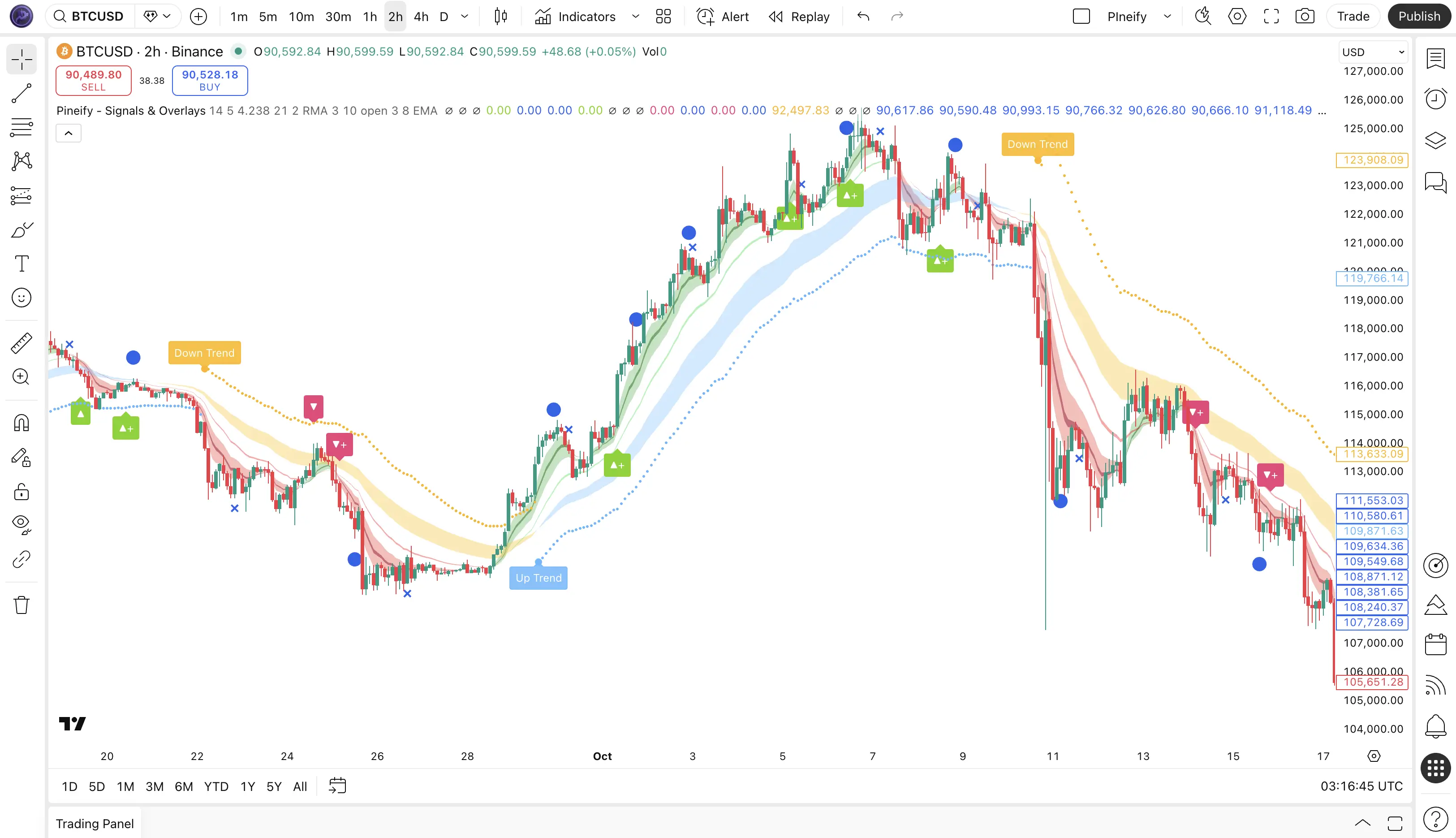
Pineify invite-only indicator vs TrendSpider is a scope comparison. Pineify's invite-only indicators run on TradingView, while TrendSpider supplies its own charting, scanning, alerts, and strategy tools. An indicator and a complete analysis platform have different scopes. There is no documented head-to-head test here establishing that Pineify produces better trades, and a score-based display alone cannot establish that result.
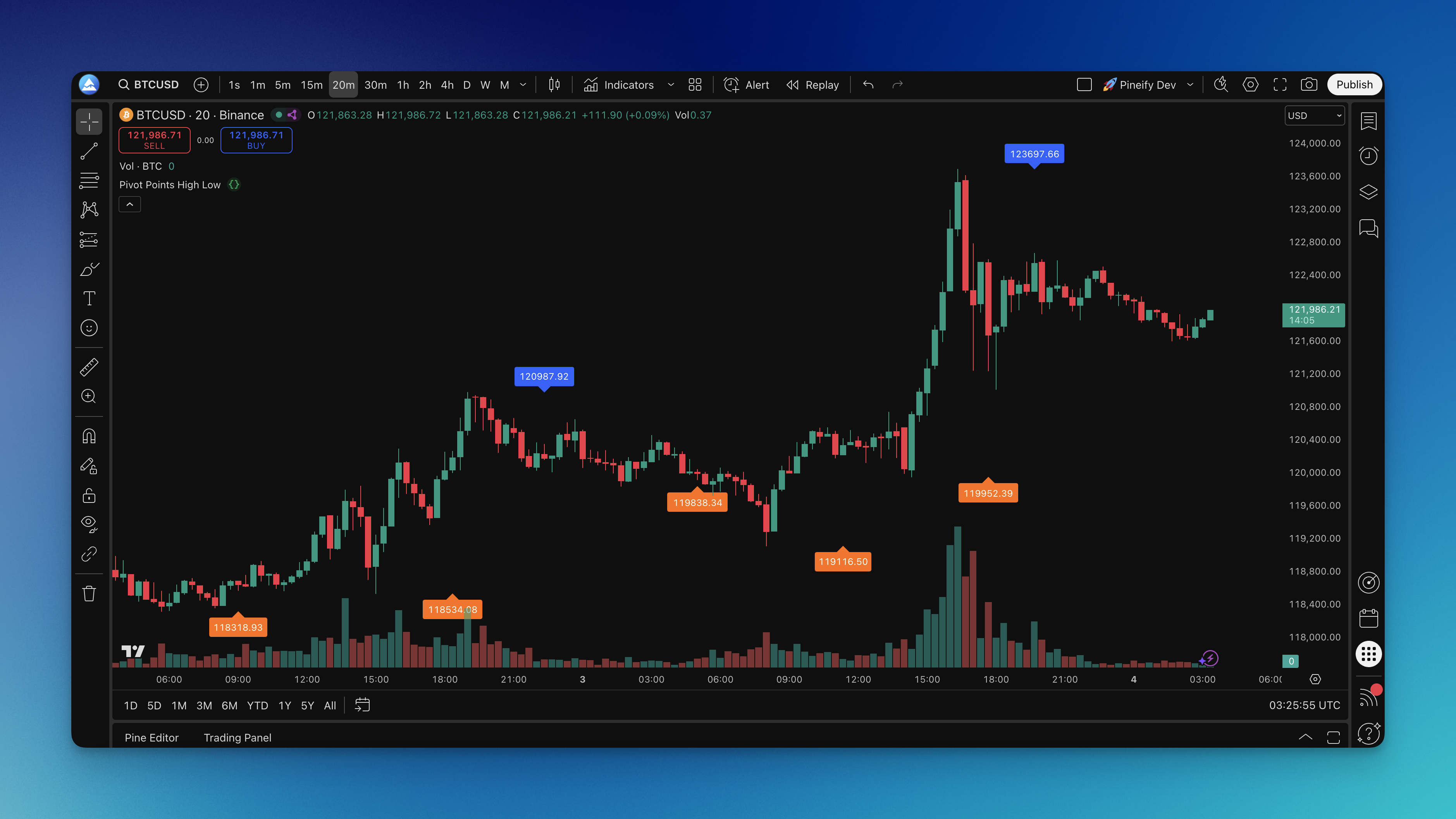
Pivot Points High Low identifies local price extremes using bars on both sides of a candidate turning point. The right-side requirement creates a detection delay: the pivot price belongs to an earlier bar, but the pivot was not known on that bar. This distinction matters when interpreting a chart, building an alert, or testing a strategy.
Is Boosted.ai or Pineify Finance Agent better for traders? Both support AI-assisted financial research, but the useful comparison is the workflow you need to complete, the evidence behind the answer, and the controls required to use it. A self-directed investor does not automatically need one product, and a professional team does not automatically qualify another without evaluation.
This guide is published by Pineify and is based on documented functions. It contains no hands-on speed benchmark, personal three-month trial, or verified return comparison.
A pivot high-low strategy uses detected local extremes as reference levels. Those extremes require later bars for confirmation, so a valid strategy must separate the turning-point time from the first time the level could be traded. The method differs from daily pivot formulas based on the previous session's high, low, and close.