516 posts tagged with "TradingView"

Blog posts related to the TradingView

View All Tags

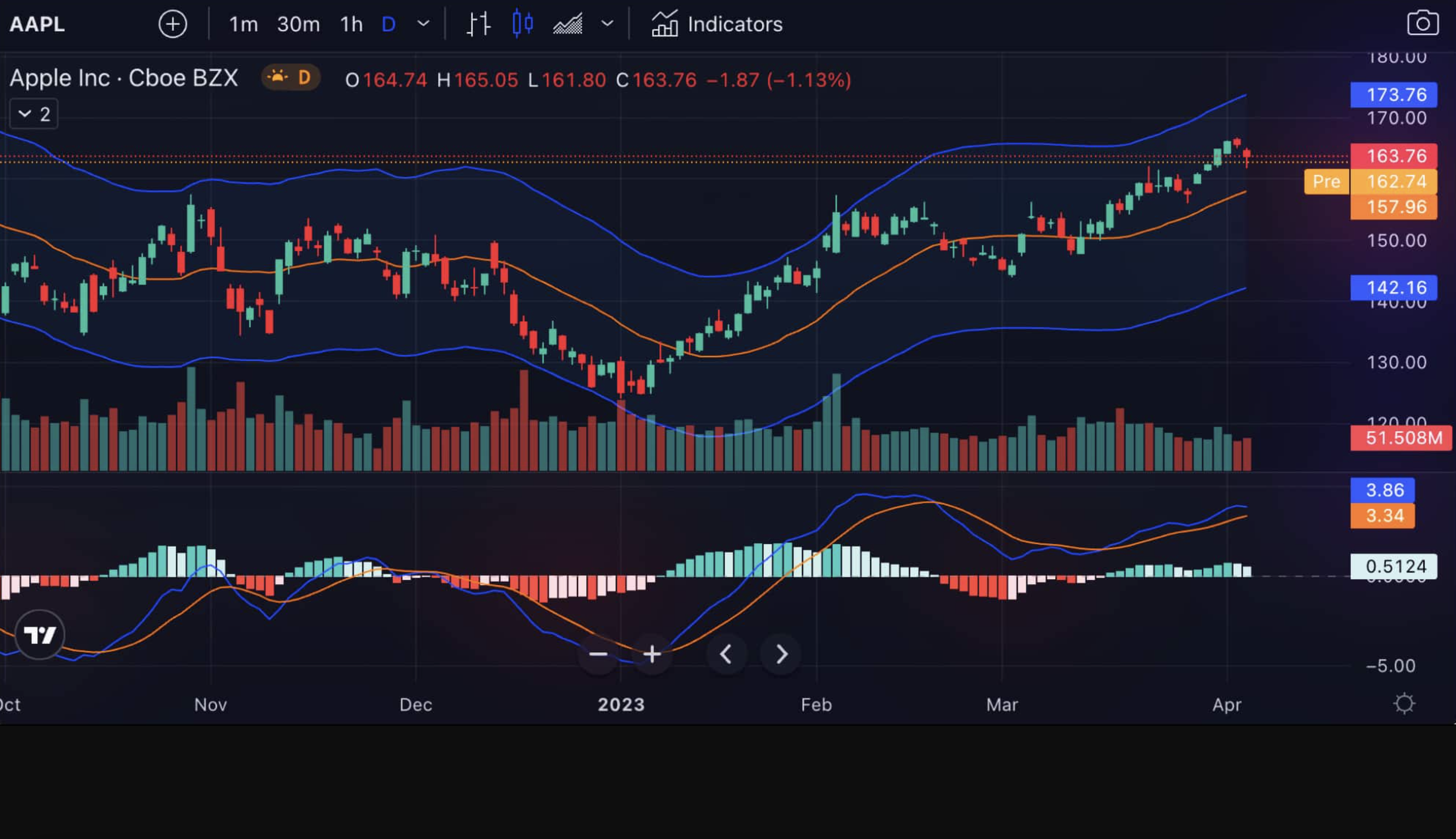
OBV Oscillator Indicator: How to Read Volume-Based Momentum Like Smart Money Does

· 10 min read
Pineify Team
Pine Script and AI trading workflow research team

You know that feeling when price is moving up but something just doesn't feel right? Like the momentum isn't really there? That's exactly when the OBV Oscillator becomes your best friend.

This isn't just another fancy indicator cluttering your chart. The OBV Oscillator takes the classic On-Balance Volume and turns it into something way more useful - an oscillator that actually shows you when the smart money is moving before everyone else catches on.

Think of it this way: while everyone else is staring at price candles, you're watching the volume flow that drives those price moves. When the oscillator crosses above zero, institutions are quietly accumulating. Below zero? They're distributing while retail traders are still buying the hype.

OBV Oscillator on Chart

On-Balance Volume Oscillator: The Volume Indicator That Predicts Price Moves Before They Happen

· 18 min read
Pineify Team
Pine Script and AI trading workflow research team

You know that feeling when a stock breaks out on huge volume versus when it barely crawls higher on light trading? That difference is exactly what separates real moves from fake ones - and the On-Balance Volume (OBV) oscillator is your early warning system for spotting which is which.

Developed by Joseph Granville back in the 1960s, OBV does something most traders completely miss: it tracks the actual flow of money into and out of a security. While everyone else stares at candlesticks, OBV is quietly building a picture of whether smart money is accumulating or distributing shares.

The concept is beautifully simple. When price closes higher than the previous day, OBV adds that day's volume to a running total. When price closes lower, it subtracts the volume. This creates a cumulative line that often telegraphs price moves days or even weeks in advance.

Here's what makes OBV so powerful: institutional money moves differently than retail money. Big players can't just slam the buy button - they need time to build positions without moving the market against themselves. This patient accumulation shows up in OBV long before it shows up in dramatic price moves.

When OBV and price move in harmony, you're seeing genuine trend strength. But when they start disagreeing - when price makes new highs while OBV doesn't, or vice versa - that's when the real trading opportunities emerge.

On-Balance Volume Trading Strategy: Complete Guide to Volume Flow Analysis

· 16 min read
Pineify Team
Pine Script and AI trading workflow research team

The On-Balance Volume (OBV) is like a trusted old tool in a trader's kit. It helps you see the hidden story behind price moves by paying attention to trading volume. The core idea is simple but powerful: big moves in volume often happen before big moves in price. By watching this relationship, you can get clues about where the market might be headed next. To effectively implement this on your charts, a solid understanding of your platform's features, such as Mastering TradingView Chart Settings: Your Ultimate Guide, is essential.

Think of it as a way to spot when the "smart money"—institutional investors or major funds—might be quietly starting to buy or sell before the rest of the market catches on.

On-Balance Volume Trading Strategy: Complete Guide to Volume Flow Analysis

Optimize Your Trading Workspace: Complete TradingView Layout Guide

· 20 min read
Pineify Team
Pine Script and AI trading workflow research team

Getting your TradingView layout just right can completely change your trading day. Instead of bouncing between messy tabs and feeling overwhelmed, a clean, customized workspace lets you see what you need at a glance. It helps you spot opportunities faster, understand market context better, and make decisions without the clutter slowing you down. No matter how you trade—scalping, swing trading, or investing—a layout built for your style is a key ingredient for staying sharp and consistent.

Optimize Your Trading Workspace: Complete TradingView Layout Guide

Option Omega Backtesting: Master Options Strategy Testing with Precision Tools

· 18 min read
Pineify Team
Pine Script and AI trading workflow research team

If you're looking to improve your options trading, guessing based on intuition is a sure way to lose money. What if you could test your trading ideas against a decade of real market history before placing a live trade? That’s the power of Option Omega backtesting. It lets you simulate your options strategies using detailed historical data, so you can see what would have actually happened without risking your capital. Whether you're tweaking a quick 0-DTE trade or evaluating a complex multi-leg strategy, Option Omega has become a favorite tool for traders who want clarity and confidence through data.

This guide will walk you through how it all works. We’ll cover the platform's key features, how to set up a reliable backtest, mistakes to watch out for, and most importantly—how to turn your results into a sharper, more disciplined trading plan.


Option Omega Backtesting: Master Options Strategy Testing with Precision Tools

Order Flow TradingView: A Complete, Practical Guide to DOM, Delta, Footprint, and Volume Profile

· 29 min read
Pineify Team
Pine Script and AI trading workflow research team

Order flow trading with TradingView gives you a real-time look at where the market's momentum is actually coming from. Instead of just watching lagging indicators, you're seeing the raw battle between buyers and sellers as it happens. This guide will walk you through what order flow is, how to set up TradingView for it, and how to translate the live market activity into clear, risk-aware trading opportunities.

Order Flow TradingView: A Complete, Practical Guide to DOM, Delta, Footprint, and Volume Profile

Parabolic SAR Trading Strategy: Complete Guide to Stop and Reverse Signals

· 20 min read
Pineify Team
Pine Script and AI trading workflow research team

Ever found yourself staring at a chart, wondering if a trend is your friend or about to run out of steam? That's where the Parabolic SAR strategy comes in handy. Think of it as a trusty sidekick for your charts, helping you see the direction of the price, spot when a move might be flipping, and figure out sensible places to jump in or out.

Created by the famed analyst J. Welles Wilder Jr., it's wonderfully visual. You'll see dots appear like a trail either below the price candles or above them. It’s one of those tools that just clicks once you see it in action. Whether you're watching stocks, forex, crypto, or commodities, getting a handle on this strategy can really sharpen your timing on trends and help you manage your risk with stops that move with the market.

Parabolic SAR Trading Strategy: Complete Guide to Stop and Reverse Signals

Paul Tudor Jones Trading Strategy 2026: How to Trade Like a Billionaire Using Macro Analysis + Technical Precision

· 8 min read
Pineify Team
Pine Script and AI trading workflow research team

Want to know how Paul Tudor Jones turned a $1 million account into $7.5 billion? The secret isn't some complicated algorithm or insider information. It's a dead-simple three-step process that anyone can learn: spot big macro trends, time entries with precision, and never risk more than 1% per trade.

I've spent months reverse-engineering his approach from interviews, fund letters, and market analysis. What I discovered is surprisingly straightforward. Jones doesn't try to predict every market move. Instead, he waits for these rare moments when everything aligns - macro conditions, technical setup, and risk/reward - then he goes in big.

Here's exactly how he does it, broken down into actionable steps you can start using today.

Pine Creator vs Pineify: Which Pine Script Generator Actually Works Better?

· 8 min read
Pineify Team
Pine Script and AI trading workflow research team

So you want to create custom TradingView indicators but Pine Script looks like ancient hieroglyphics? Trust me, I've been there. Staring at code snippets, wondering why my moving average looks more like a seismograph reading than anything useful.

I kept hearing about Pine Creator and Pineify everywhere - Reddit threads, trading forums, YouTube comments. Everyone seemed to have opinions, but nobody was giving straight answers. So I spent weeks testing both tools with real trading ideas to figure out which one actually delivers.

Here's what I discovered after building dozens of indicators with each platform.