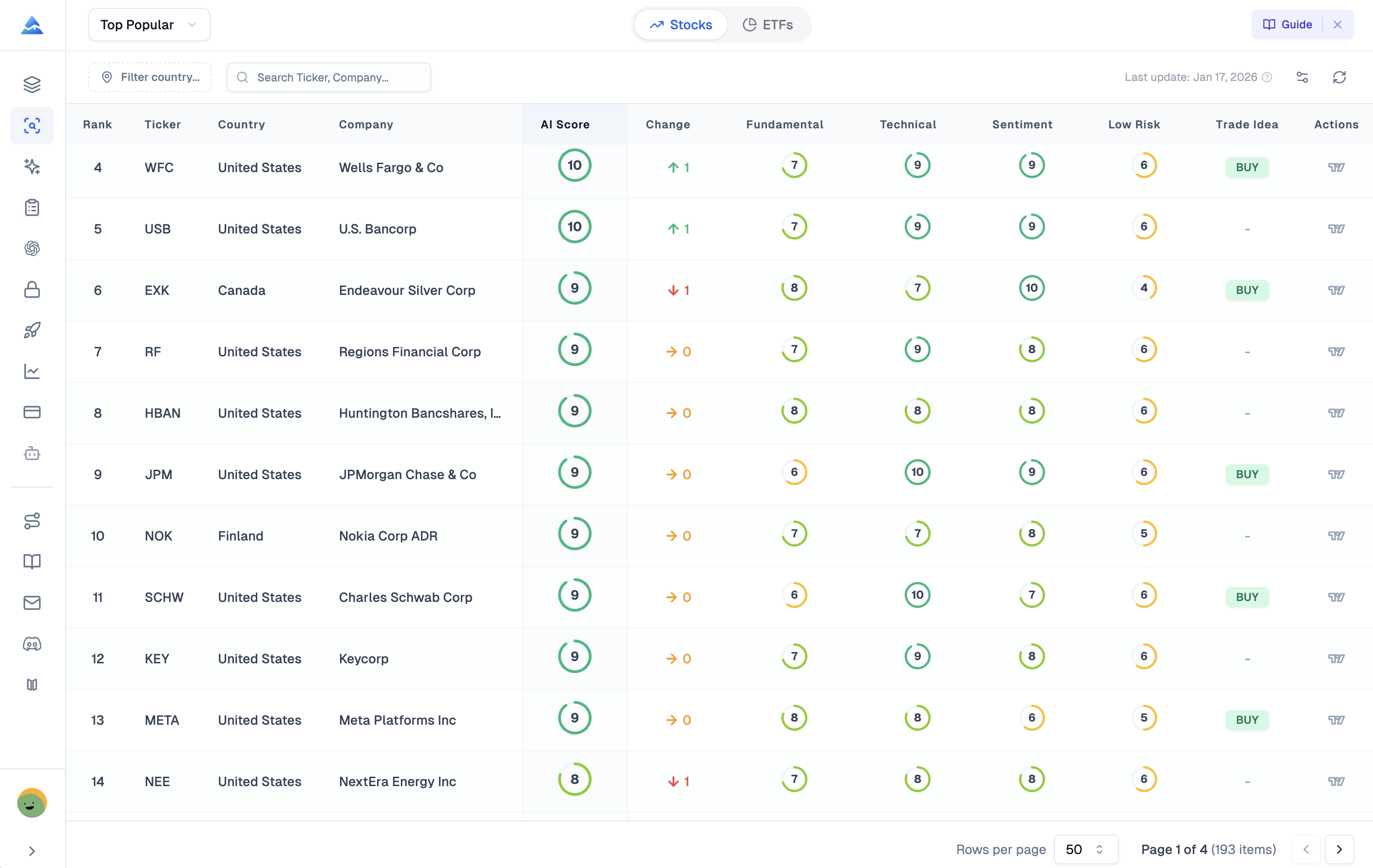
AI stock and options tools can organize research, rankings, charts, and market data. Their scores are not interchangeable, and a research feature is not evidence of a profitable trading edge. Compare the inputs and workflow needed for your question before comparing subscription prices.
Backtesting tools answer different questions. A strategy engine creates hypothetical trades from rules and market history; a report analyzer studies trades already produced; replay supports decisions made while stepping through history. Selecting the right category prevents a detailed report from being mistaken for an independent execution test.
A useful Finviz alternative must solve a specific research problem: filtering a stock universe, comparing fundamentals, inspecting charts, or studying option contracts. These tasks overlap, but a strong feature in one category does not prove superiority in the others.
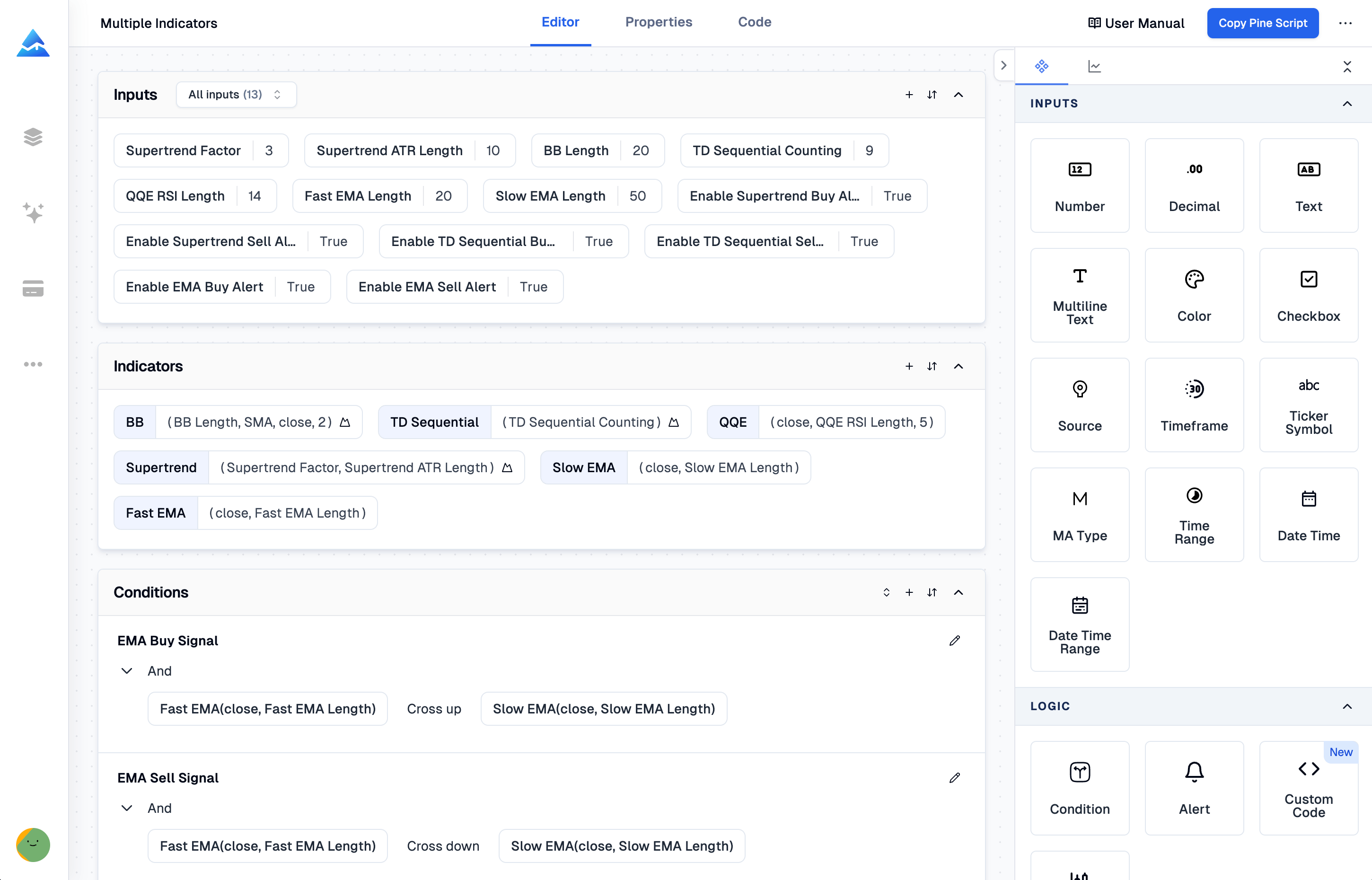
A no-code Pine Script editor is a workflow that replaces some source editing with configuration controls or natural-language requests. It can make supported rules easier to express, but the output still needs compilation and behavior checks. The key selection question is whether the workflow represents the rule you intend to test.
A pullback is a move against a prevailing trend that later resumes. While the move is developing, that continuation is uncertain: the same decline may become a larger reversal. Indicators can define an observable candidate, but they cannot establish in advance that the move is temporary.
TopstepX embeds TradingView charts inside its own trading environment. That is not a login to a personal TradingView account: current TopstepX help says custom indicators and external TradingView connections are unavailable. Chart controls can look familiar while the script library, data entitlement, fees, and order path stay different.
A TradingView alert can send a message to an external execution service. A trade copier for TradingView is a service that replicates supported orders or account activity across eligible accounts. These are separate steps: receiving a signal does not guarantee that every account submits, accepts, or fills the same order.
TradersPost receives trading signals and can route supported orders to a connected brokerage account. TradingView supplies the alert; TradersPost applies the configured strategy and account settings; the broker determines acceptance and execution. Saving an alert alone does not prove that the full path is ready for live trading.
TradeStation and TradingView overlap in chart analysis, but their platform roles differ. TradeStation provides brokerage and strategy-development services; TradingView provides charts, Pine development, and supported broker connections. They can also be used together, so the decision is not necessarily an exclusive choice.
Trading backtesting applies specified rules to historical data under a simulated execution model. It can expose implementation mistakes and describe historical outcomes. A positive result does not prove that the strategy has a persistent edge or that a live account could have obtained the same fills.